16:9 vs 4:3 Displays for Industrial HMI Design
A wide display makes a good trend page. A taller display can make a better equipment overview. Neither observation decides whether 16:9 or 4:3 belongs in an industrial HMI; the useful comparison is the amount of readable working space each shape provides inside the available front panel.
Start by sketching the real pages, including alarms and navigation. Aspect ratio changes what fits comfortably, where operators look, and how existing software must be adapted. It also affects the physical window and the feasibility of future replacements.
Compare equal diagonals carefully
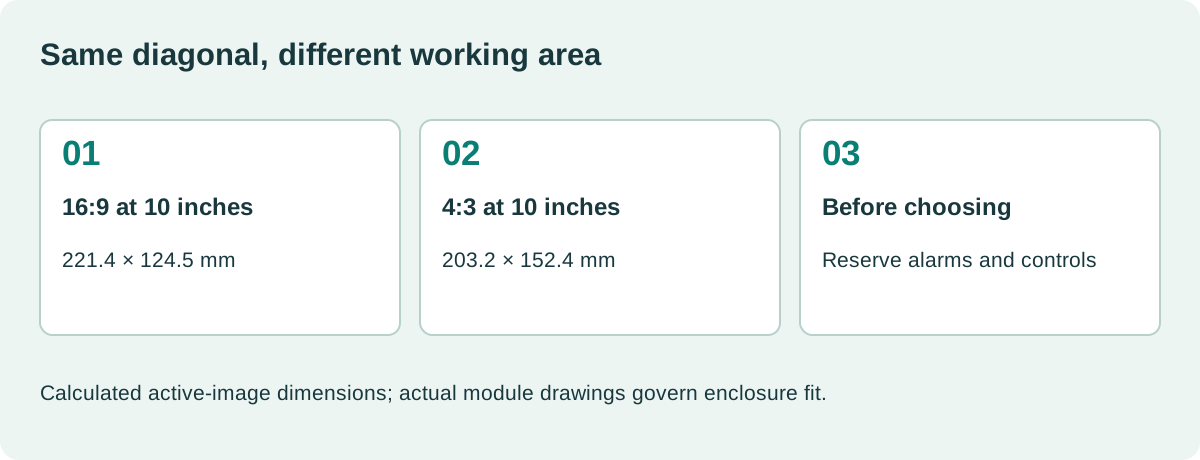
The diagonal does not describe width and height separately. For a hypothetical 10-inch active image, a 16:9 rectangle is about 221.4 × 124.5 mm. A 4:3 rectangle at the same diagonal is about 203.2 × 152.4 mm.
These values are calculated from geometry, not module drawings. The 4:3 image has approximately 12% more area at that diagonal, while the 16:9 image is wider. Actual product dimensions include frame and mounting features.
| Equal 10-inch diagonal | 16:9 | 4:3 |
|---|---|---|
| Approximate active width | 221.4 mm | 203.2 mm |
| Approximate active height | 124.5 mm | 152.4 mm |
| Approximate image area | 275.7 cm² | 309.7 cm² |
| Natural layout opportunity | Side-by-side information | More vertical rows |
| Primary enclosure question | Is there enough width? | Is there enough height? |
A 10.1-inch 1280 × 800 panel is 16:10, not 16:9. Keep ratio and resolution separate in the requirement. Familiar product categories can hide this distinction when several panel options are discussed together.
Allocate permanent screen regions first
Reserve the alarm area, operating mode, communication status, and navigation before evaluating the main content. Their physical size should remain suitable for the working distance.
An 800 × 600 screen with a 60-row header and a 60-row footer leaves 480 rows for content. A 1024 × 600 screen with the same reservations also leaves 480 rows, but provides more width. That example compares pixel layouts, not equal physical text size.
If software scales the same controls to fit a new panel, recheck their millimeter dimensions. Our HMI pixel density calculation explains how a higher-resolution panel can shrink an unchanged pixel-sized control.
Let the task determine the layout
A machine with several parallel zones can benefit from a wide row of status cards. A maintenance table may need height to show more entries without scrolling. A piping diagram may fit either shape poorly if it simply copies a large engineering drawing.
ISA’s HMI design framework emphasizes a managed approach to interface design. In practice, that means establishing consistent navigation and information hierarchy before treating the panel shape as the organizing principle.
Do not fill newly available width with more normal-state decoration. Use it for useful relationships: a trend beside its controls, an equipment diagram beside feedback, or a readable alarm explanation.
Retrofitting a 4:3 interface onto a wide panel
A direct stretch makes circles oval and alters font proportions. Preserving the old aspect ratio with side borders avoids distortion, but may waste space or create a smaller effective interface than expected.
A deliberate adaptation can retain the central process page and use a side region for navigation or context. Check every popup, keypad, alarm, and maintenance screen. A successful home page does not prove the rest of the application fits.
Touch coordinates need the same treatment as graphics. If the old application is letterboxed, the touch mapping must account for the offset and scale. Verify the entire active region with a grid rather than checking only central buttons.
Keep a record of whether each element is fixed-size, anchored, or responsive. Otherwise, a later translation can push controls into space that appeared safely unused during the original adaptation.
Trend and table design need different checks
Wide plots can improve the visible time axis, but more horizontal pixels do not automatically provide more useful process history. The sampling and rendering method still determines what the plot represents.
Tables need readable labels, units, and row spacing. If every row becomes shorter to show more records, the wider panel may introduce touch mistakes. Separate dense diagnostic views from routine operator controls.
| Page type | Check on a wide panel | Check on a taller panel |
|---|---|---|
| Trend | Useful time span and legible scale | Adequate vertical detail |
| Equipment overview | Logical left-to-right grouping | Unambiguous flow and hierarchy |
| Alarm list | Message length and action context | Visible count and scrolling behavior |
| Numeric entry | Keypad spacing near sidebars | Keypad and value preview together |
| Maintenance table | Columns remain readable | Rows remain easy to select |
The industrial touchscreen target-size calculation is useful when deciding whether a denser layout is actually operable.
Check the hardware consequences
The panel ratio affects lens printing, gasket geometry, frame stiffness, and enclosure cutouts. Compare the exact active-area offset, not only the nominal width and height.
Resolution also affects memory and interface bandwidth. A 1024 × 600 framebuffer contains 28% more pixels than an 800 × 600 image. That increases full-image storage by the same proportion at a fixed format. Actual performance depends on redraw activity and the memory architecture.
Use the embedded display memory budget before assuming a software layout change is the only consequence. Confirm that the host supports the new panel timing and electrical interface.
Supplier availability deserves a separate review. A popular shape does not guarantee a mechanically and electrically compatible second source. Compare documented candidates rather than extrapolating from consumer monitor trends.
Run a full-size comparison with operators
Build the same representative tasks on both layouts. Include a long alarm, the largest numeric value, the longest translation, and a realistic maintenance page. Use actual-size prototypes or printouts before enclosure tooling.
Observe where the user hesitates, scrolls unnecessarily, or covers information with a hand. If the panel is on a swing arm, check the shared viewing positions too. Test the display through the final cover lens because glare can make one region less usable than the rest.
Choose the ratio that supports the tasks with clear text and stable navigation inside the installation envelope. Record why the rejected option failed. That reasoning is useful later when purchasing proposes a different panel because the original part becomes difficult to obtain.
Is 4:3 obsolete for industrial equipment?
The meaningful question is whether an appropriate supported part exists for the program. A legacy ratio can remain a sound choice when it fits the enclosure and workflow. Evaluate actual supply terms, replacement options, and integration cost instead of selecting a ratio solely because it looks newer.
A practical handover detail
Preserve a side-by-side set of final screenshots with the physical active area written beside each version. Include the same operating state and the same language. That prevents later reviews from comparing a spacious demonstration page with a crowded production page and attributing the difference to aspect ratio. If one option requires more page changes to finish a normal task, record that result too. Navigation effort is a useful design cost even when neither layout has an obvious text-size failure.
Sources and image credit
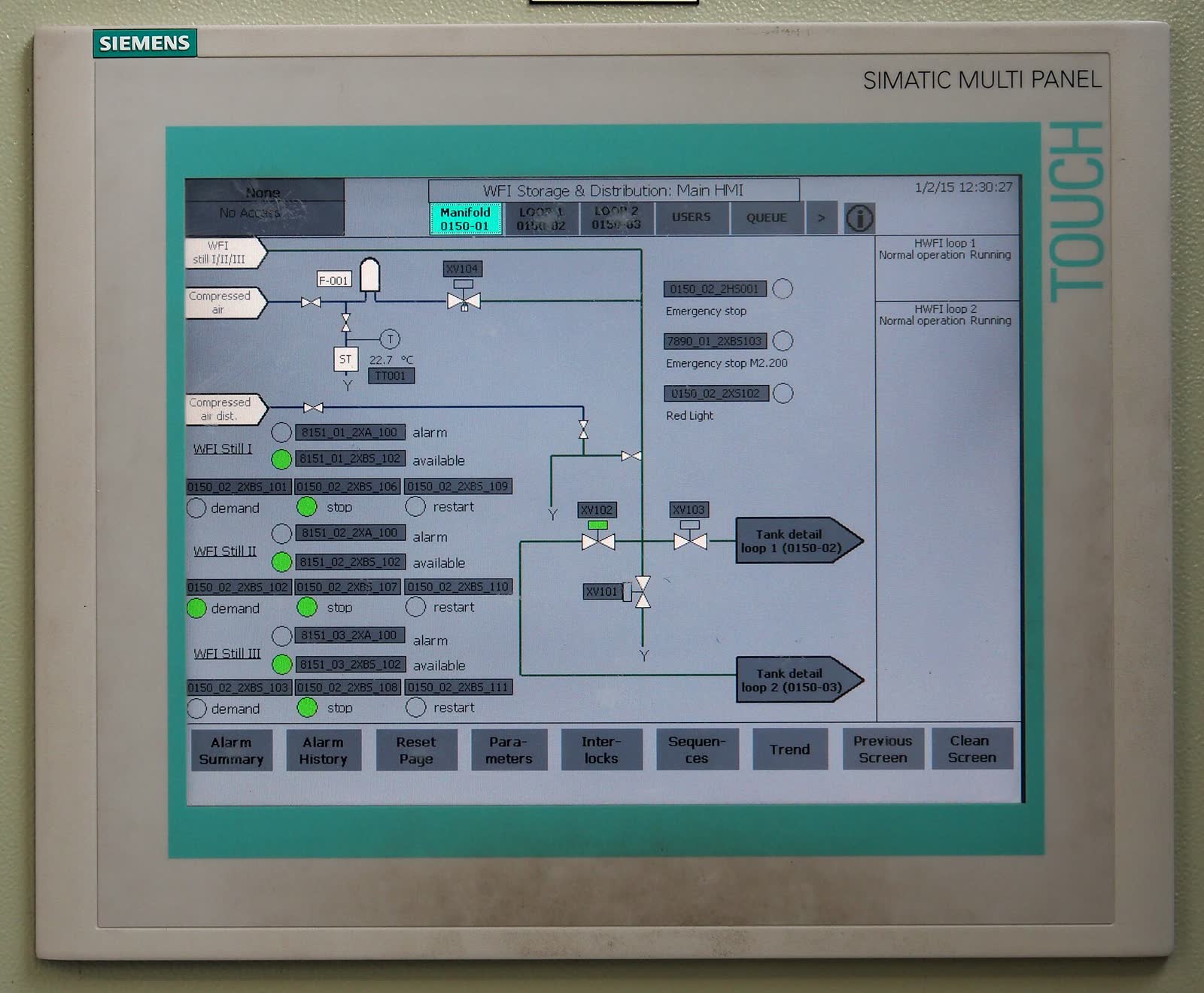
Primary technical references are linked beside the relevant claims. Numerical examples are calculations under the stated assumptions. The original diagram explains the design method; neither it nor the photograph represents a qualification test performed by this site.
Hero photograph: Alf van Beem, CC0 1.0. Resized and JPEG-compressed.