5-Inch Industrial TFT Display Applications
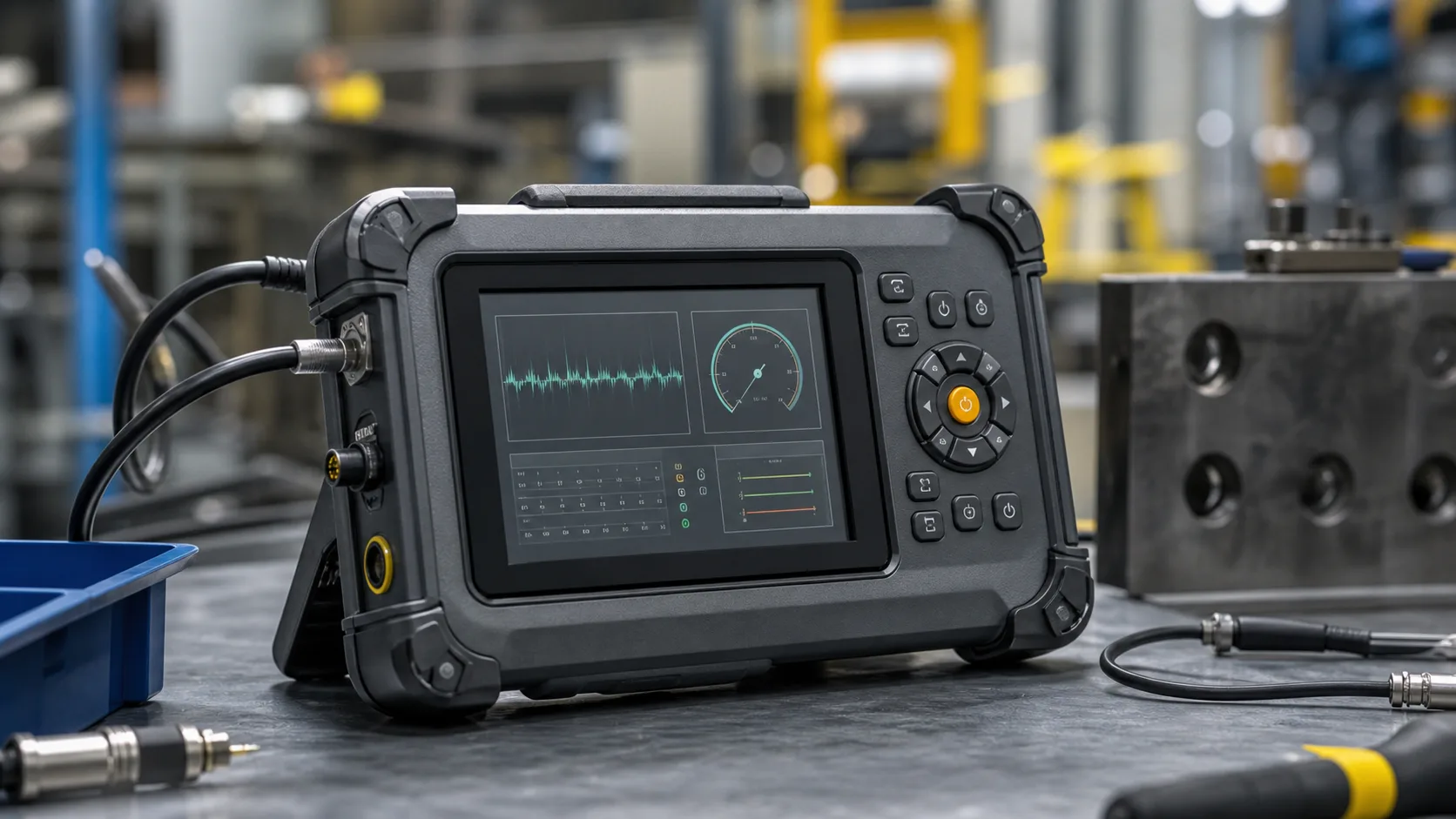
A 5-inch industrial TFT display sits between small handheld screens and larger machine HMIs. It is big enough for a clear status page, a few graphs, alarm messages, and touch controls, but still compact enough for portable instruments, wall panels, gateway devices, power controllers, and local equipment terminals. For many embedded products, 5 inches is the first size where the interface stops feeling cramped without forcing a large enclosure.
The size is especially useful when a product needs more detail than a 3.5-inch module can comfortably show, but does not have space or budget for a 7-inch panel. It also fits designs where users interact briefly: checking a reading, changing a setting, acknowledging an alarm, scanning a status page, or running a service test.
Where 5-inch displays fit well
Common applications include portable meters, industrial gateways, solar and battery controllers, small PLC terminals, laboratory instruments, logistics devices, test fixtures, and compact maintenance tools. In these products, the screen is not usually a full operator station. It is a local interface that gives users enough information to act without opening a laptop.
A 5-inch display can show a simple dashboard with current value, alarm state, communication status, battery level, and one trend line. That is often enough for field technicians and maintenance staff. If the interface needs recipes, multi-zone control, or dense diagnostics, a 7-inch industrial TFT display may be a better fit.
Resolution and information density
Many 5-inch modules use 800x480 resolution, though other formats exist. This resolution gives enough space for readable labels and icons without demanding the same processing resources as higher-resolution panels. The UI still needs restraint. Small text, crowded tables, and too many tabs can make a 5-inch display feel smaller than it is.
The main screen should answer the user’s first question quickly. For a power controller, that might be output state and fault status. For a handheld instrument, it might be the latest measurement and whether the reading is inside tolerance. Secondary pages can hold logs, calibration, communication settings, and service tools.
Touch, buttons, or both
Touch is attractive on a 5-inch screen because the active area is large enough for practical buttons. Projected capacitive touch works well for sealed glass designs and modern interfaces. It should still be tested with the actual cover glass, grounding, gloves, water, and electrical noise. A touch panel that works on the bench may behave differently when mounted in a metal enclosure.
Physical keys remain useful. A few buttons for back, home, acknowledge, or scan can make the product easier to use with gloves or in motion. Many rugged devices combine touch for flexible menus with buttons for frequent actions. This hybrid approach is common in field tools and logistics terminals.
Brightness and viewing conditions
Brightness depends on where the product will be used. Indoor tools may work well around 400 to 600 nits. Semi-outdoor devices, warehouse terminals, and service tools used near open doors may need more. For true sunlight use, brightness alone is not enough. Cover glass reflection, optical bonding, anti-glare treatment, and UI contrast matter as much as the backlight rating.
Viewing angle is also important. A handheld product may be tilted while the user works. A wall-mounted controller may be viewed from the side. IPS-type TFT panels are often safer when the viewing position is not fixed, as discussed in broader industrial TFT display selection.
Interface choices
Five-inch modules are available with RGB, MIPI DSI, LVDS, SPI, or controller-board options depending on resolution and supplier. RGB is common for embedded processors but uses more pins. MIPI can be efficient for modern ARM platforms, especially when the display is close to the processor. LVDS may be useful when the display is separated from the main board or the environment is noisy.
Do not choose the interface after the mechanical design is finished. Cable length, connector orientation, EMC risk, and software support should be reviewed early. The same display size can become easy or painful depending on whether the processor, cable, and module were selected together.
Power and thermal behavior
A 5-inch backlight can be a meaningful power load in portable devices. If the product runs on battery, use brightness control, sleep behavior, and UI timeout rules from the beginning. A screen that stays at full brightness during idle time can dominate the energy budget.
Thermal behavior is also worth checking. Compact enclosures often place the display close to processors, radios, chargers, relays, or power supplies. Backlight heat can affect lifetime, while internal heat can change touch stability and LCD contrast. A full-day temperature logging test is more useful than a short office demo.
Mechanical integration
The front design should support sealing, cleaning, and service. A flush glass front is easier to wipe, but the gasket and mounting pressure must be controlled. A deep bezel may protect the screen, yet it can trap dirt and make edge touches harder. If the product will be handled roughly, review cover glass thickness, corner support, and drop behavior.
For portable tools, the display should be protected from twisting loads and enclosure flex. A module that is reliable in a rigid test fixture may show light leakage or connector problems in a handheld housing if the plastics bend during use.
Supplier questions
Ask for the full drawing, active area, viewing area, interface timing, backlight rating, operating temperature, touch controller information, and change notice policy. For industrial products, long-term availability often matters more than a small price difference. A display that disappears after the first production run can force a redesign.
It is also useful to ask whether the same family includes 4.3-inch or 7-inch options. Product lines often grow. Keeping similar interfaces, touch behavior, and optical appearance across sizes can save engineering time.
Practical validation
Validate the 5-inch display in the finished product, not only as a bare module. Test brightness in the real lighting, touch with real gloves, power draw in normal use, cable stability, boot behavior, and service access. Include users who will actually operate the device. They will notice whether the screen is readable, whether buttons are too small, and whether alarms are clear.
A 5-inch industrial TFT is not just a smaller version of a large HMI. It works best as a compact information tool, with careful choices around layout, power, mounting, and field use.
FAQ
Is 5 inches enough for an industrial HMI?
Yes, for compact controllers, instruments, gateways, and service panels. For full machine operation with many pages, 7 inches or larger may be more comfortable.
What resolution is common for 5-inch TFT displays?
800x480 is common and practical, though other resolutions are available. The best choice depends on UI complexity and processor support.
Should a 5-inch industrial display use touch?
Touch is useful when menus and setup pages are needed. Physical buttons can still improve operation with gloves, wet hands, or frequent actions.