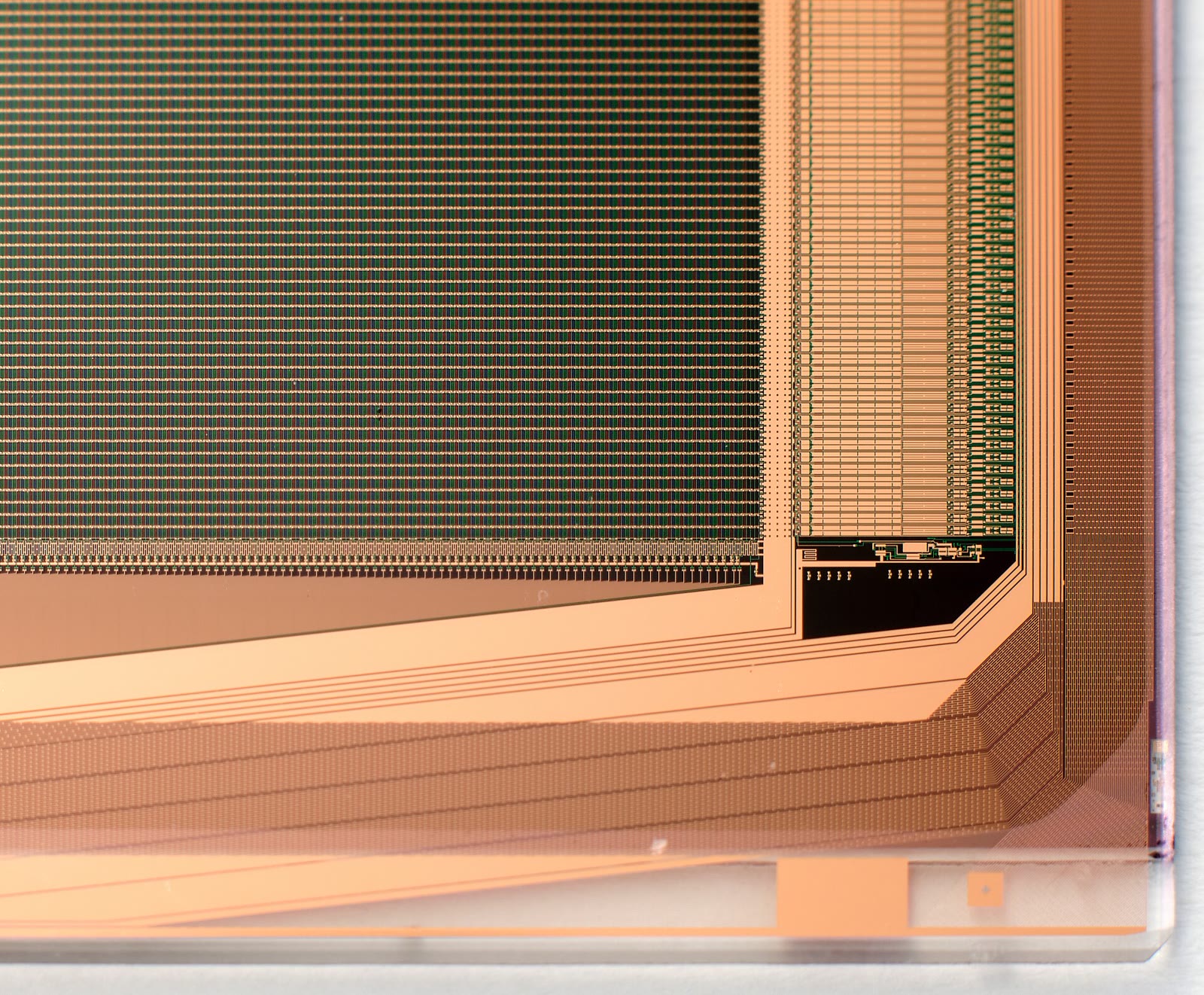
Common TFT Display Failure Modes in the Field
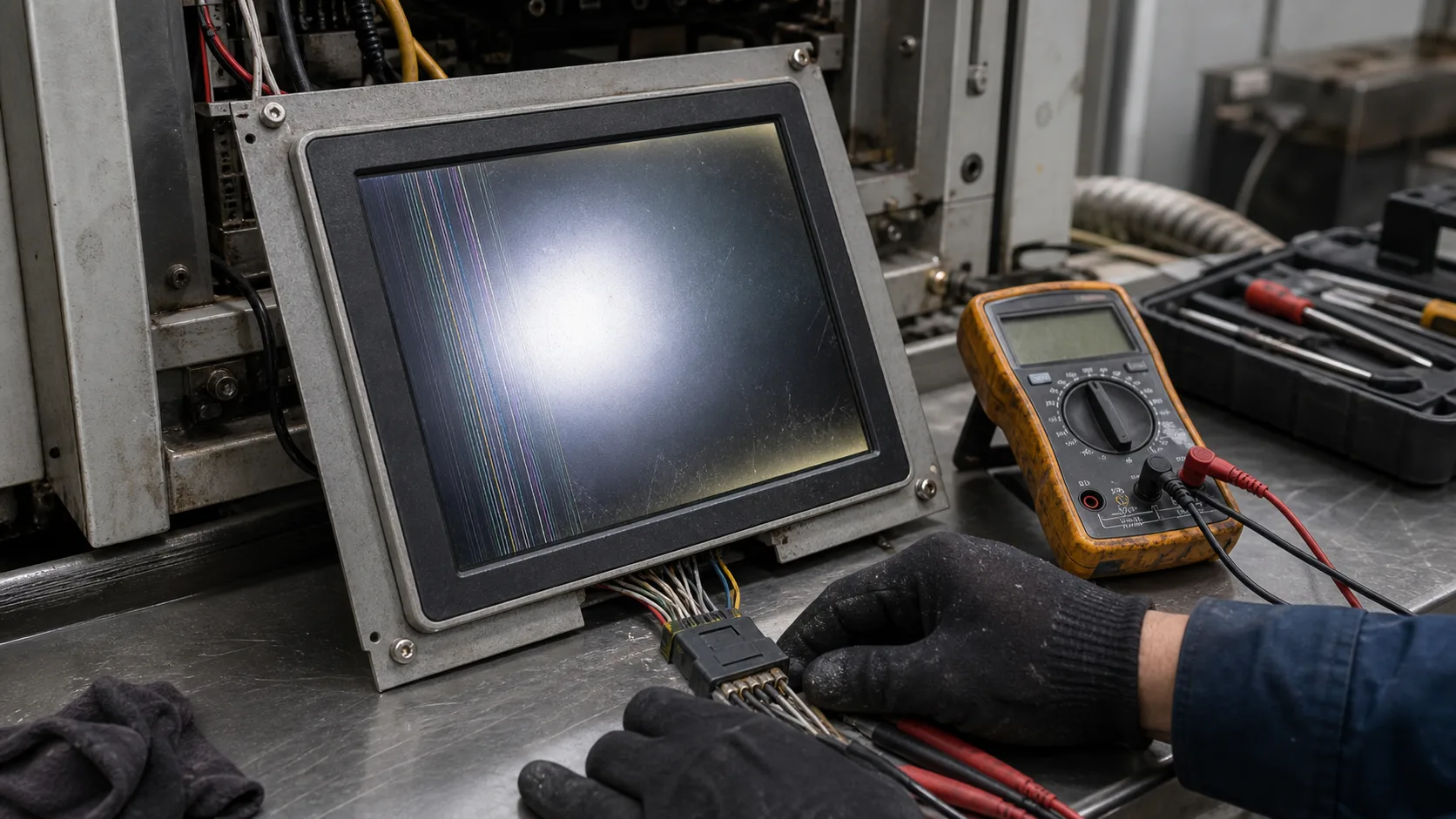
TFT display failures in the field are not always caused by the LCD panel itself. Many problems come from backlights, cables, connectors, power supplies, touch controllers, cover glass, enclosure stress, moisture, software, or the environment around the product. Treating every issue as a bad display module can lead to unnecessary replacement and missed root causes.
Understanding common failure modes helps engineering and service teams diagnose problems faster. It also helps product teams design better validation tests before release.
Dim or uneven backlight
A dim display may come from normal backlight aging, excessive operating temperature, low backlight current, driver failure, power supply issues, or a display that was never bright enough for the environment. Uneven brightness can also come from mechanical stress, aging LEDs, or optical stack problems.
Check brightness settings, PWM signal, LED driver output, supply voltage, and operating temperature. Compare the display against a known-good unit if possible. Backlight planning and dimming behavior should be reviewed early, as covered in industrial TFT backlight lifetime.
Blank screen
A blank screen can be misleading. The LCD may be off, the backlight may be off, the processor may not be sending data, or the unit may be stuck during boot. First determine whether the backlight is on. Then check power rails, reset signals, interface activity, and software logs.
If the display uses MIPI, LVDS, RGB, or SPI, a cable or timing issue can produce a blank screen even when the module is healthy. Do not replace the LCD until power, signal, and software have been checked.
Use the step-by-step TFT black screen troubleshooting workflow to isolate illumination, reset sequencing, transport, and framebuffer data with recorded evidence.
Flicker or intermittent image
Flicker can come from unstable power, poor grounding, PWM interaction, loose connectors, cable damage, EMC noise, or marginal signal integrity. Intermittent image problems are especially common when a display cable passes through a hinge, cabinet door, or moving panel.
Try to reproduce the issue by moving the cable gently, running nearby motors, changing brightness, and warming the unit. If the problem appears only in the final machine, the root cause may be system integration rather than the display module.
Touch problems
Touch failures include missed touches, false touches, edge errors, glove failure, water sensitivity, and random input. PCAP touch depends on sensor design, cover glass, grounding, controller firmware, electrical noise, and environmental conditions.
A touch panel that works in an office may fail in a cabinet with drives running or outdoors with water on the glass. Test touch with the final enclosure, real gloves, cleaning fluids, and real cable routing. If touch behavior changes after replacement, confirm the controller firmware and settings are the same.
Moisture and condensation
Moisture can cause fogging, touch instability, corrosion, adhesive failure, and visible stains. Condensation may appear when a product moves between cold and warm environments or when a sealed enclosure breathes through temperature cycles.
Optical bonding can reduce internal condensation risk by removing air gaps. Sealing, venting, gasket design, and material choice also matter. For cold chain, outdoor, and washdown applications, moisture should be part of validation.
Image artifacts and color problems
Strange colors, shifted images, missing lines, tearing, or noise patterns may come from timing, pixel format, cable issues, interface mapping, EMI, or panel damage. For LVDS, mapping format and bit depth are common checks. For MIPI, lane configuration and initialization commands matter. For RGB, clock and sync timing should be verified.
Use simple test patterns to separate UI issues from hardware issues. Solid colors, gradients, and checkerboards can reveal channel swaps, stuck lines, or timing errors more clearly than the final application screen.
Cracked glass or impact damage
Cracked cover glass may result from impact, edge stress, poor mounting, uneven gasket pressure, or enclosure flex. If cracks repeat in the same location, look at mechanical support rather than blaming random abuse.
Impact-resistant design needs cover glass, bonding, bezel, edge support, and housing to work together. Lessons from rugged TFT control panels apply even to smaller products.
Heat-related failures
Heat can accelerate backlight aging, darken LCD behavior at high temperature, soften adhesives, affect touch drift, and stress power components. In outdoor or sealed products, display temperature may be much higher than ambient.
Field failures that appear in summer or after long operation should trigger thermal checks. Measure internal enclosure temperature, display surface temperature, backlight current, and nearby heat sources.
Cable and connector faults
Connectors are common field failure points. Vibration, poor strain relief, repeated service, contamination, or incomplete locking can cause intermittent displays. FPC cables can be damaged by sharp bends or pinching during assembly.
Service procedures should include connector inspection and cable replacement rules. A display replacement will not solve a recurring cable strain problem.
Software and configuration issues
Some display failures are really software states. The application may freeze, the backlight timeout may be too aggressive, the driver may fail after sleep, or the UI may not recover from communication loss. Logs and watchdog behavior should be reviewed.
For products with replaceable displays, configuration matters. A replacement panel may need different timing, initialization, or touch settings. Without change control, two visually similar modules can behave differently.
Field diagnostic approach
Start with simple questions: Is the backlight on? Is there image data? Does touch respond? Does the issue depend on temperature, vibration, moisture, brightness, or nearby equipment? Can it be reproduced with a known-good cable or display?
Record photos, serial numbers, runtime, environment, firmware version, and failure conditions. Good field data prevents repeated guessing and supports better future validation.
Preventing repeat failures
After the immediate repair, look for patterns. If several units fail after summer operation, review thermal design and brightness settings. If failures occur after service visits, inspect cable routing and connector locking. If touch complaints appear only in one site, check grounding, gloves, moisture, and nearby electrical equipment.
Field service should feed back into design. Failure data can update validation checklists, supplier questions, assembly instructions, and UI diagnostics. That turns support history into engineering knowledge instead of isolated repair tickets.
For long-life equipment, keep failed parts long enough for engineering review. Photos help, but the actual display, cable, and enclosure can reveal stress marks, contamination, connector wear, or seal problems that are not visible in a support ticket.
FAQ
What is the most common TFT display field problem?
Backlight aging, cable or connector issues, touch instability, and power or software problems are common. The LCD panel is not always the root cause.
How do I diagnose a blank TFT display?
Check backlight, power rails, reset, interface signals, cable orientation, and software logs before replacing the panel.
Can validation prevent display failures?
It cannot prevent every field issue, but a strong validation checklist catches many problems before production.