TFT Displays for EV Charging Stations: Outdoor HMI Design Notes
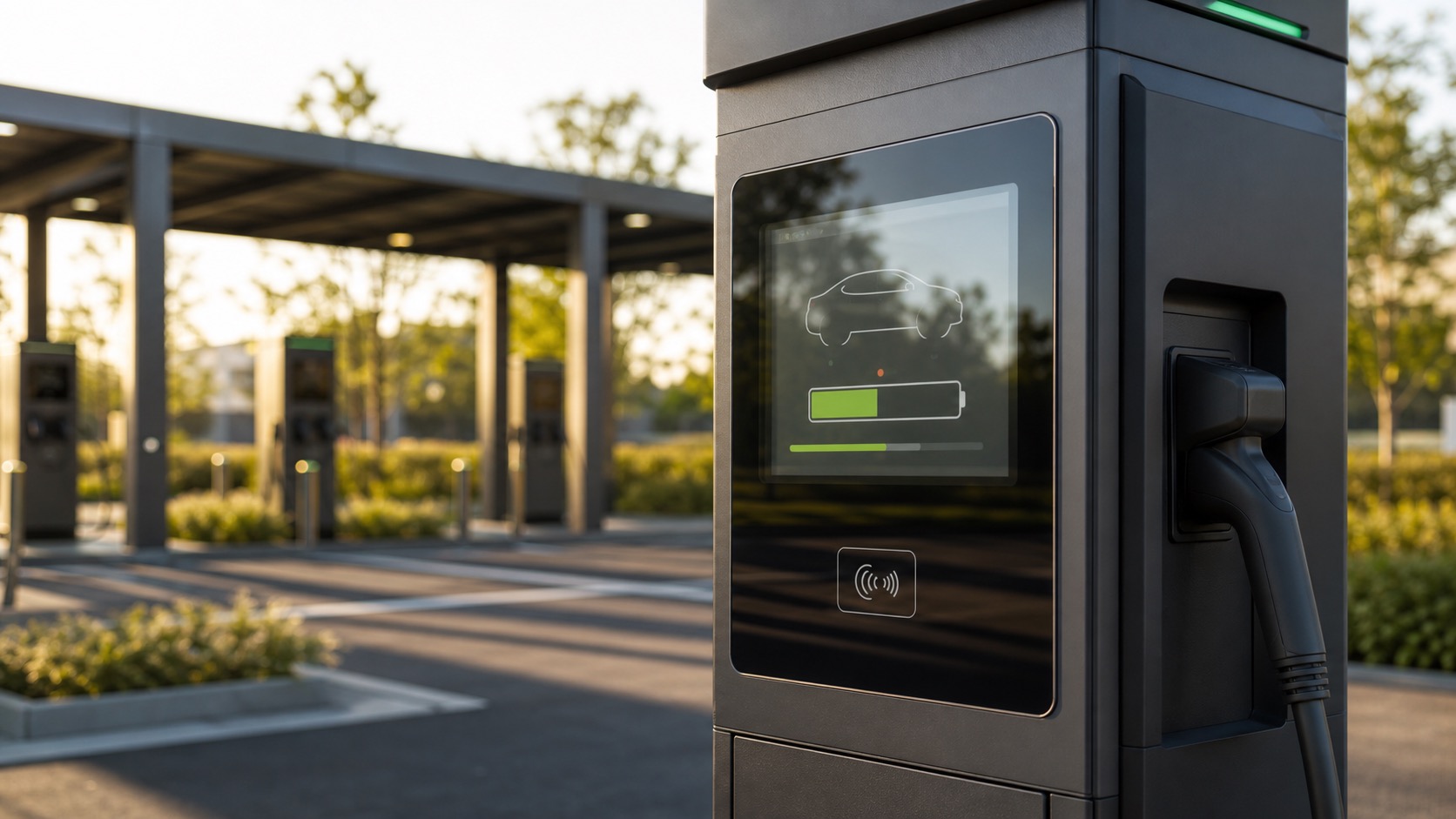
EV charging stations are a demanding environment for TFT displays. They sit outdoors, face direct sunlight, run through heat and cold, and are used by people who may be in a hurry. The display has to show status clearly, guide payment or authentication, and recover gracefully when something goes wrong.
The screen is also part of the user’s trust in the charger. If the display looks dim, laggy, or unreliable, the entire station feels unreliable. For charging equipment manufacturers, the TFT module is not just a component purchase. It is part of the product experience, service cost, and field reliability plan.
EV charging screens need the same discipline as other outdoor energy equipment: readable optics, reliable touch, a durable front stack, and service information that still makes sense years after installation.
The charger display has a simple job, but a hard environment
Most charging station screens do not need complex graphics. They need to show connection status, charging progress, price or session information, error messages, payment prompts, and basic instructions. The challenge is making that information readable and touchable in changing outdoor conditions.
A charger may be installed under a canopy, beside a building, in an open parking lot, or near a road. Some displays face morning sun; others face afternoon sun. The same model may be deployed in cold northern regions and hot desert areas. That makes display selection more like industrial equipment design than consumer device design.
For many chargers, a high brightness TFT in the 800 to 1500 nit range is a reasonable starting point. The final choice depends on cover glass, optical bonding, screen size, UI contrast, and installation angle.
Sunlight readability affects support calls
If users cannot read the screen, they may abandon the charger, call support, or assume the charger is broken. A sunlight readable TFT helps, but the front stack is just as important.
Optical bonding is often valuable because it reduces reflections between the LCD, touch panel, and cover glass. Anti-glare treatment can reduce mirror-like reflections from cars, pavement, and sky. The UI should avoid pale text and thin icons. High contrast layouts, large status indicators, and clear progress states are more reliable outdoors.
At night, the problem reverses. A display that is comfortable at noon can be painfully bright after dark. Automatic brightness control with an ambient light sensor can improve usability and reduce backlight stress.
Touch interaction should be quick and forgiving
Charging station users may interact with the screen while holding a cable, phone, wallet, or bag. Some will wear gloves. Some screens will be wet. The touch panel should support the real usage pattern rather than a perfect lab condition.
Projected capacitive touch is common because it supports a sealed glass front and a modern interface. For outdoor chargers, the controller should be tuned for water rejection, cover glass thickness, and expected glove use, the same conditions covered in outdoor TFT touch panels for rain and gloves. Button size matters. A payment or stop-charging action should not depend on a tiny target near the edge of the screen.
If the charger uses physical buttons along with a TFT, the screen still needs to make the next step obvious. Mixed input systems work best when the UI makes it clear which actions are touch-based and which are button-based.
Mechanical and environmental protection
The display assembly should match the enclosure’s environmental rating. The front glass, gasket, adhesive, bezel, and mounting pressure all affect sealing. The display area is one of the places where water ingress, condensation, and cleaning chemicals can create long-term problems.
Charging stations may also face vandalism or accidental impact. Cover glass thickness, IK rating targets, and bezel design should be reviewed early. A recessed screen may be protected, but it can collect dirt or water. A flush screen is easier to clean but needs a stronger front stack.
Thermal design deserves special attention. The display sits in a cabinet that may contain power electronics, communication modules, and heat-generating components. High brightness backlights add more heat. If the display is exposed to direct sunlight, the LCD surface temperature may be much higher than ambient temperature.
Interface and integration choices
EV charging displays may use RGB, LVDS, MIPI DSI, HDMI, or eDP, depending on the control board. The best interface is the one that fits the controller architecture, cable length, EMC requirement, and long-term supply plan.
For small and medium charging HMIs, MIPI or RGB may be common in compact embedded designs. Larger screens may use LVDS or eDP. HDMI can be convenient for some controller platforms but should be reviewed for connector robustness and cable routing in industrial conditions.
The display supplier should provide stable drawings, interface documentation, backlight driver guidance, and lifecycle information. Charger programs often need long support periods because public infrastructure changes slowly.
| Design area | Practical recommendation |
|---|---|
| Brightness | Start around 800-1500 nits depending on exposure |
| Touch | Use tuned PCAP with water rejection if touch is required |
| Front glass | Review impact, sealing, coating, and cleaning requirements |
| Brightness control | Add ambient dimming for night use and thermal control |
| UI design | Use large targets, strong contrast, and clear session states |
| Lifecycle | Avoid short-life consumer panels for infrastructure products |
Maintenance and field service
A display decision also affects service. If the front module is hard to replace, optical bonding and custom glass should be validated carefully before release. If the charger is deployed in large numbers, consistency matters. Small changes in brightness, touch tuning, or viewing angle can create support differences across installations.
Field technicians benefit from clear diagnostics. The UI should show network, payment, connector, and charging status in a way that is visible outdoors. Hidden errors increase service time.
One useful practice is to create a service screen that is simple enough to read in the field but protected from casual users. It can show display temperature, backlight level, touch status, network state, and recent fault history. This does not replace remote monitoring, but it gives technicians a quick local check when the charger is offline or communication is unstable.
FAQ
What brightness is suitable for EV charging station displays?
Many outdoor charging displays use 800 to 1500 nits, but the right value depends on sun exposure, cover glass, bonding, and UI contrast. Outdoor testing is strongly recommended.
Should an EV charger screen use touch?
Touch is useful for flexible UI flows, payment, language selection, and instructions. It must be designed for water, gloves, and public use. Some chargers combine touch with physical buttons for redundancy.
Why is optical bonding useful for chargers?
Optical bonding reduces internal reflections and improves perceived contrast. This helps users read the screen in sunlight and can make the front assembly feel more rugged.
What is often overlooked in charger display design?
Night brightness is often overlooked. A screen selected only for daylight can be too bright after dark unless the system includes dimming and a suitable UI theme.