Industrial HMI Touch Target Size for Gloves and Moving Operators
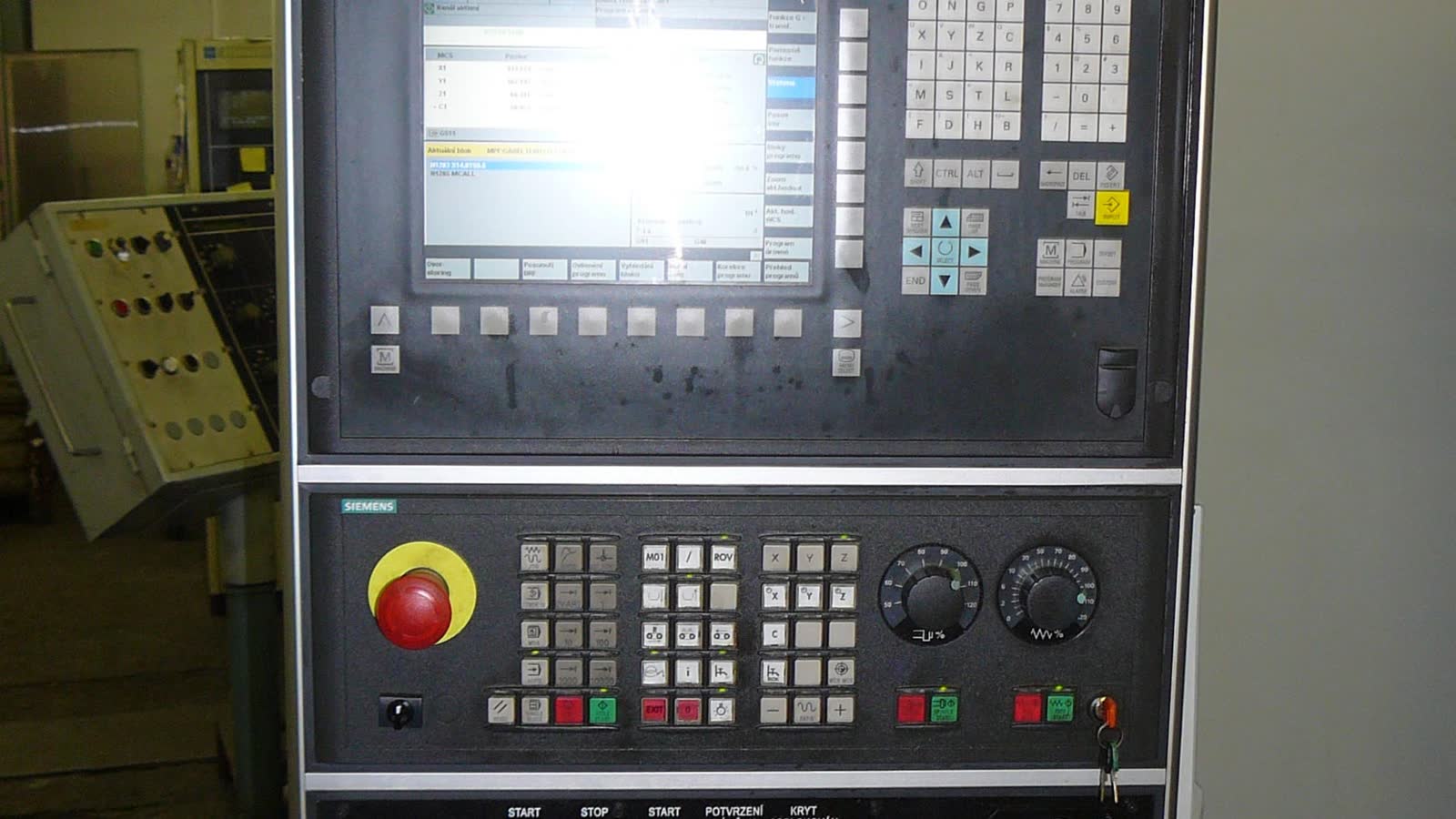
A button that works with a bare finger on a stationary bench can be frustrating with gloves beside a vibrating machine. The display still reports touches accurately; the user simply cannot place a finger with the precision assumed by the layout.
Industrial HMI touch target size should be specified in physical dimensions as well as pixels. Include spacing, bezel position, glove type, operator motion, and the consequence of selecting the neighboring control.
Separate the visible button and active target
The visible shape tells the operator where to act. The active hit region determines which input is accepted. Enlarging the hit region can help only while it remains unambiguous and does not overlap another action.
Check disabled controls too. An invisible active area beside a disabled-looking button creates a misleading interaction. The rendered state and actual input logic should agree.
| Design element | Define |
|---|---|
| Visible control | Physical width, height and label |
| Hit region | Actual accepted coordinate range |
| Separation | Gap between adjacent active regions |
| Edge clearance | Usable distance from bezel or obstruction |
| Feedback | What confirms an accepted touch |
| Critical action | Confirmation or alternate control strategy |
Do not use one target-size number as a substitute for evaluating those relationships.
Convert pixels to millimeters
Pixel pitch equals active width divided by horizontal pixel count. Multiply by a control’s pixel dimensions to obtain physical dimensions in that direction.
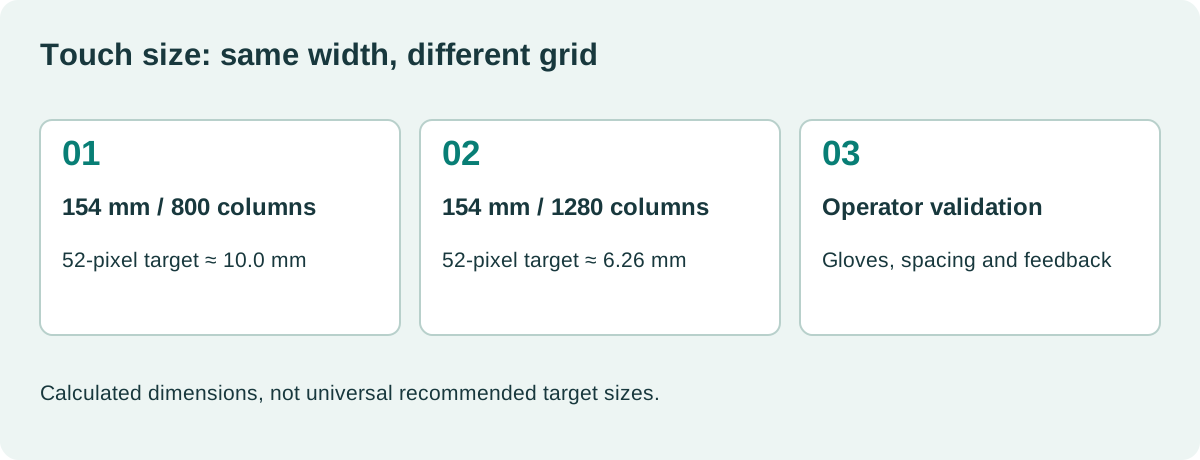
For a hypothetical panel with a 154 mm active width and 800 columns, a 52-pixel-wide target measures about 10.0 mm. On a panel of the same active width with 1280 columns, it measures about 6.26 mm.
Those values are calculations, not recommended minimums. They show why a higher-resolution replacement requires a layout review. The same software control can become much smaller physically.
Use the actual drawing rather than a rounded diagonal for the final conversion. Our HMI display resolution calculation provides the wider pixel-density context.
Web accessibility rules are helpful but incomplete
The W3C’s minimum target-size guidance addresses web interactions in CSS pixels, including target separation. It is useful background for layout decisions.
It does not establish the correct millimeter size for every industrial glove, vibration condition, or task. CSS pixels can also differ from physical display pixels depending on scaling.
Translate the rendered layout into actual dimensions, then test it in the intended environment. Record the operating-system scale factor if the HMI is web-based so another engineer can reproduce the result.
A design review should therefore ask both “does the interface meet the relevant accessibility requirements?” and “can the intended operator use it reliably in this installation?”
Specify the gloves you actually expect
A thin nitrile glove, an insulated work glove, and a wet chemical-resistant glove create different contact and handling conditions. “Glove compatible” should identify the material, thickness or model, and relevant dry or wet state.
Touch-controller sensitivity affects whether contact is detected. Target geometry affects whether the intended control is selected. Increasing sensitivity does not solve a crowded layout.
Use the final cover glass and grounding arrangement. Controller tuning established on a loose sensor may not survive installation in a metal bezel.
The industrial PCAP and resistive touch comparison helps frame technology selection. Whichever system is used, the complete interaction still needs validation.
Give controls room near the edge
A bezel lip can prevent a gloved finger from reaching the center of an edge control. A screen protector or gasket may further reduce access. Test the corners rather than assuming they behave like the middle.
Place frequent actions where the hand can approach naturally without covering essential information. On a handheld device, assess grip and thumb reach. On a machine, consider whether the operator braces a hand against the frame.
Keep destructive or disruptive actions away from routine navigation where possible. A confirm step should display the selected action and context clearly rather than merely asking for a generic OK.
Physical emergency controls and other safety functions need the product’s appropriate architecture. A larger touchscreen target alone does not establish a safety function.
Design feedback for imperfect conditions
Provide visible acknowledgment when a touch is accepted. If the requested operation takes time, show progress or a pending state rather than leaving the button apparently inactive.
Avoid accepting repeated touches that create unintended duplicate commands. Decide how release, long press, drag, and cancellation are handled. Test those behaviors with the controller and UI together.
If water can trigger false contacts, check the rejection strategy as well as successful wet touches. The outdoor touchscreen rain and glove checks cover this broader interaction.
A successful target test counts intended actions, missed actions, wrong selections, and recovery. It should not simply show that a touch-test cross follows a finger.
Use a realistic task protocol
| Scenario | Observation |
|---|---|
| Adjacent numeric controls | Wrong-field selection and correction |
| Corner button with glove | Access and reliable release |
| Repetitive action | Fatigue and duplicate input |
| Moving platform or vibration | Selection errors under representative motion |
| Wet front | Intended detection and spurious contacts |
| Long translated label | Text remains legible without shrinking the target |
| Alarm present | Operator can respond without obscuring context |
Choose representative participants and task sequences for the product. Record the glove, posture, viewing distance, and environment. If a formal usability or safety process applies, incorporate these tests into that process.
Do not claim an acceptable error rate from a tiny informal demonstration. Early prototypes can reveal problems quickly, but the final acceptance method should reflect the risk and intended users.
Preserve target geometry across software changes
Create reusable control components with documented physical dimensions at each supported display configuration. Validate the actual rendered output after changes to resolution, font scaling, localization, or browser zoom.
A layout that fits a new panel can still violate the original spacing assumptions. Include hit-region inspection and task tests in the industrial HMI validation process when those changes occur.
Maintain a small set of demanding pages: a numeric keypad, a dense settings page, a critical confirmation, and a long alarm message. They provide a repeatable regression set without pretending to represent every possible user task.
What size should the team choose?
Choose a starting geometry large enough for the expected hand and glove, then refine it using measured performance in the actual installation. Keep the chosen size, spacing, and evidence in the design record.
The goal is a predictable interaction where operators can select, confirm, and recover without precision tapping. A physical target specification connected to that behavior is more useful than a pixel number copied from a desktop design system.
A practical handover detail
For a useful prototype comparison, change target geometry without also changing labels, response delays, and controller sensitivity. Otherwise, an improved result cannot be attributed to the larger control. Include errors and recovery time as well as successful selections. Operators may complete every task while still spending time correcting wrong-field entries. Note whether they use a fingernail, press harder, or remove a glove; those adaptations can reveal that the nominally successful design does not match the intended workflow.
Sources and image credit
Primary technical references are linked beside the relevant claims. Numerical examples are calculations under the stated assumptions. The original diagram explains the design method; neither it nor the photograph represents a qualification test performed by this site.
Hero photograph: Pavel Ševela / Wikimedia Commons, CC BY-SA 3.0. Resized and JPEG-compressed. This adapted photograph remains under the linked ShareAlike license.