PCAP vs Resistive Touch for Industrial Equipment
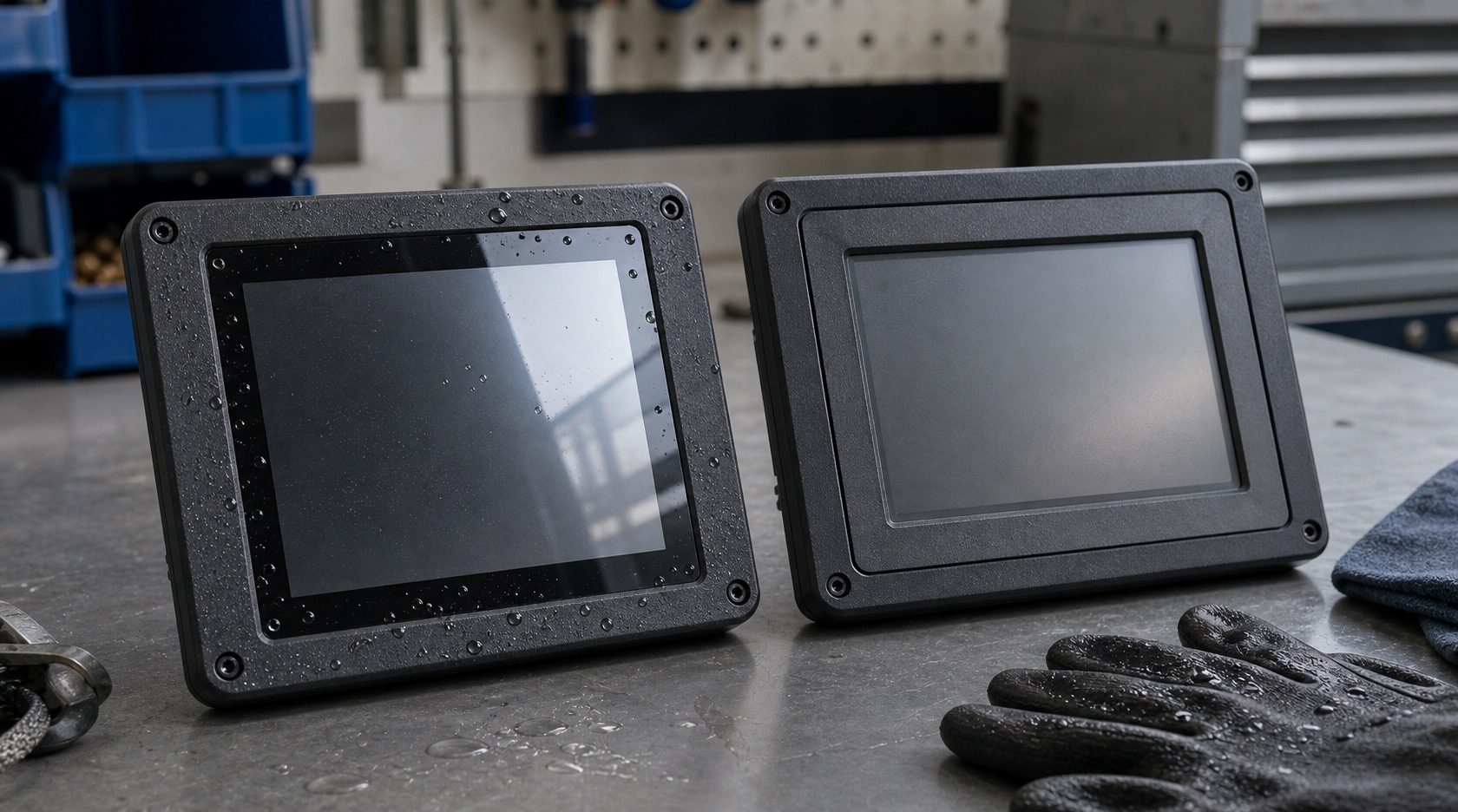
PCAP and resistive touch panels are both used in industrial equipment, but they solve different problems. Projected capacitive touch, usually called PCAP, gives a modern glass-front interface with good optical clarity and multi-touch support. Resistive touch responds to pressure and remains useful when operators use heavy gloves, styluses, or simple single-point input, a decision that also affects compact systems such as a 4-inch square HMI.
The wrong choice can create field complaints even if the display itself is good. A touch panel should be selected according to the operator, environment, cleaning method, and UI style, not just according to what looks better in a demo.
How PCAP works in practice
PCAP detects changes in an electrical field through a sensor pattern under the cover glass. It supports a sealed front surface, good durability, and a familiar smartphone-like feel. For new industrial HMIs, PCAP is often the default because it enables clean glass designs and flexible UI layouts.
However, PCAP is sensitive to the full stack. Cover glass thickness, grounding, water, gloves, electrical noise, and controller tuning all affect performance. A PCAP sensor that works well on a bench may behave differently after it is mounted in a metal enclosure near motors or power electronics.
How resistive touch works in practice
Resistive touch detects pressure between flexible layers. It can be operated with a bare finger, glove, stylus, or tool. This makes it attractive in older machinery, cold storage, food processing, and applications where the user cannot remove gloves.
The drawbacks are surface wear, lower optical clarity, limited multi-touch, and a less modern feel. Resistive panels may also be more vulnerable to scratches because the top layer is not a hard glass surface in the same way as PCAP cover glass.
Gloves and water
Glove operation is a common reason teams hesitate to use PCAP. Modern PCAP controllers can support glove modes, but the glove type must be defined. Thin nitrile gloves, leather work gloves, and thick winter gloves do not behave the same. If the product claims glove support, testing should use the actual gloves.
Water is another important condition. PCAP can be tuned for water rejection, but droplets can still interfere if the front design allows pooling. Resistive touch can often work when wet because it responds to pressure, but the full front stack still needs sealing, especially in outdoor touch panel designs.
Durability and cleaning
PCAP with cover glass is usually better for equipment that needs frequent cleaning. The smooth glass front can resist wear and is easier to wipe. Anti-glare, anti-fingerprint, or chemically strengthened glass can be added depending on the environment.
Resistive touch may be acceptable for light-duty panels or where cost matters, but the surface can wear over time. If the equipment is used daily by many operators, long-term surface durability should be reviewed carefully.
| Requirement | PCAP | Resistive |
|---|---|---|
| Modern UI | Strong | Limited |
| Heavy gloves | Needs tuning | Strong |
| Wet operation | Needs water rejection | Often strong |
| Optical clarity | High | Lower |
| Surface durability | High with glass | Can wear |
| Multi-touch | Supported | Usually not |
UI implications
PCAP supports gestures, swipes, and multi-touch, but industrial HMIs should be careful with gesture-heavy design. Operators need reliable controls, not hidden interactions. Large buttons, clear spacing, and confirmation for critical actions are still important.
Resistive touch works best with simple single-touch interfaces. It is well suited to menus, numeric entry, and direct control buttons. Avoid small controls that require precise repeated pressing, especially if the surface may flex or age.
Cost and lifecycle
Resistive touch may cost less initially, but total cost should include replacement risk, user experience, and cleaning requirements. PCAP may cost more but can improve durability and perceived product quality. For long-life equipment, the stable front glass design can be worth the extra cost.
Supplier support also matters. Ask whether the touch controller firmware can be tuned, whether glove and water testing is supported, and whether the same touch stack will remain available for future builds.
Testing the real touch experience
Touch panels should be evaluated with real operators, not only with engineers sitting at a desk. Ask users to perform common actions while wearing the expected gloves, standing at the normal machine position, and using the display at the intended angle. Watch whether they hesitate, miss buttons, or press harder than expected.
For PCAP systems, test water droplets, wet fingers, cleaning cloths, and electrical noise. A controller that is tuned to detect gloves may become too sensitive in wet conditions if the tuning is not balanced. For resistive systems, check surface feel, repeated pressing, and whether the top layer shows visible wear after cleaning.
Environmental testing should include temperature. Cold gloves, condensation, and dry winter air can all affect touch behavior. A touch decision made from a warm office sample may not represent the actual factory or outdoor environment.
Documentation and support
Ask suppliers for touch controller settings, supported glove thickness, cover glass limits, water rejection guidance, and firmware change control. If the touch behavior changes between batches, the finished HMI can feel inconsistent even when the LCD looks the same.
For products that require certification, keep the touch stack stable. Changing sensor pattern, controller, cover glass, or bonding adhesive after validation can require new testing. This is one reason industrial teams prefer a controlled touch solution rather than a generic consumer-style panel.
The final decision should also consider training. Operators who are used to physical pressure may press hard on PCAP glass, while users familiar with phones may find resistive touch old-fashioned. A short trial with real users can reveal which choice feels natural and which one will create support calls.
Replacement behavior is another practical factor. If a machine fleet uses several touch panel revisions, operators may notice different sensitivity from one station to another. Keeping the sensor, controller, cover glass, and firmware settings stable helps the HMI feel predictable across years of production.
When the project is close to release, freeze the touch stack. A late change to glass thickness, adhesive, or controller firmware can reset the validation effort. Treat touch performance as a system feature, not a replaceable accessory.
FAQ
Is PCAP always better than resistive touch?
No. PCAP is better for modern sealed glass HMIs, but resistive touch can be better for heavy gloves, stylus input, or very simple control interfaces.
Can PCAP work with gloves?
Yes, if the controller and sensor are tuned for the defined glove type. It should be tested with the actual cover glass and enclosure.
Which touch type is better for washdown equipment?
PCAP with sealed glass is often good for cleaning and durability, but water rejection must be validated. Resistive may still be used when pressure input is required.
What is the most common mistake?
Choosing touch technology from a sample demo without testing the real operator conditions: gloves, water, noise, cleaning, and mounting.