TFT Displays for PLC and Cabinet Door HMIs
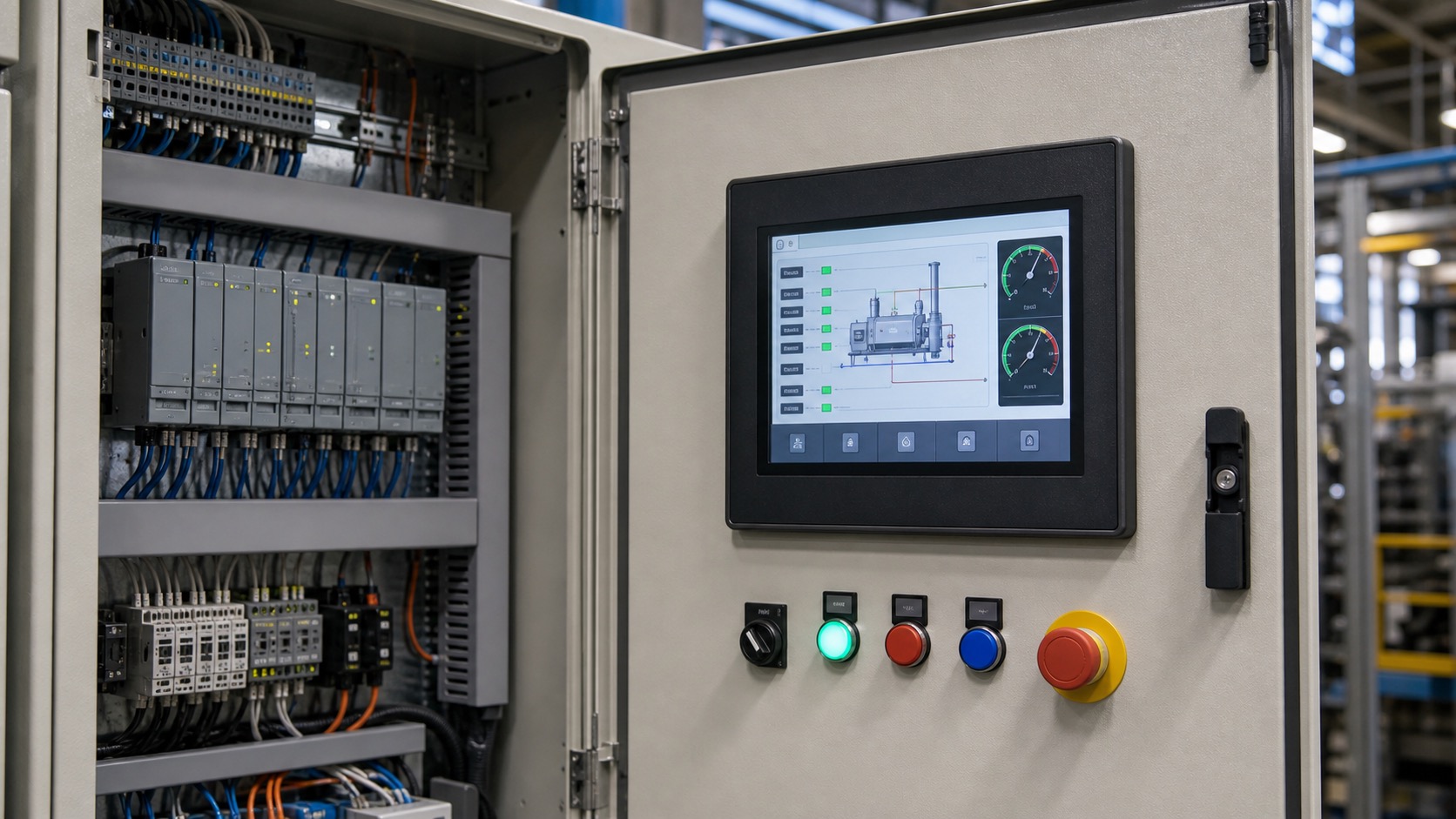
PLC and cabinet door HMIs are some of the most common industrial HMI touch panel applications. They sit between operators, maintenance technicians, and the automation system. The display may be used to start a process, acknowledge alarms, change recipes, view I/O status, or diagnose communication faults.
Because these panels are often installed on electrical cabinets, the display must work reliably in a constrained mechanical and electrical environment. Cable routing, sealing, EMC, grounding, and service access are just as important as the screen size, especially in automation cells where local screens support robotic arm control and diagnostics.
Common screen sizes
Cabinet HMIs often use 4.3-inch, 7-inch, 10.1-inch, or larger TFT displays. Small panels fit simple machines and local controllers. Seven-inch panels are a practical default for many machines. Larger displays are useful when the interface includes trends, multiple zones, or more detailed diagnostics.
The display size should match the viewing distance and task. A cabinet door HMI may be viewed while standing close, but operators still need large buttons and clear alarm states. A high-resolution screen does not help if the interface is crowded.
Front sealing and cabinet design
Many cabinet HMIs need front-face sealing such as IP65. The front glass, gasket, bezel, and mounting pressure all affect this rating. A display module by itself does not create a sealed HMI; the enclosure design completes the protection.
Flush glass fronts are easier to clean and look modern. Raised bezels may protect the screen but can trap dust. If the cabinet is installed in a dusty or wet environment, the front design should be reviewed with maintenance staff.
Electrical noise and grounding
Electrical cabinets contain contactors, relays, drives, power supplies, and long cable runs. Touch panels and display signals can be affected by noise if grounding and cable routing are poor. PCAP touch controllers are especially sensitive to system grounding.
Use shielded cables where appropriate, separate display wiring from high-power lines, and follow the display supplier’s grounding recommendations. During validation, test with motors and drives running, not only with the cabinet powered quietly on a bench.
Interface and PLC communication
The TFT display itself usually connects to an embedded controller, while the HMI software communicates with PLCs over protocols such as Modbus, Ethernet/IP, Profinet, CAN, or RS485. The screen selection should support the controller platform needed for these communications.
Some products use smart HMI modules that include display, touch, processor, and software framework. These reduce development effort but may limit customization. Others use a standard TFT module with a custom embedded board, which gives more control but requires more engineering.
| Decision | Practical question |
|---|---|
| Screen size | How much information must be visible at once? |
| Touch type | Do operators wear gloves or use wet hands? |
| Sealing | Is front-face IP65 required? |
| Interface | Does the processor support RGB, LVDS, or MIPI? |
| Diagnostics | What service data must be visible locally? |
| Lifecycle | How long must the same panel be available? |
UI design for cabinet HMIs
Cabinet HMIs should make machine state obvious. Run, stop, fault, manual, automatic, and maintenance states should be visually distinct. Alarms should include cause and recovery steps when possible.
User access levels are important. Operators may need start, stop, and recipe selection. Maintenance staff may need I/O screens, calibration, and network settings. Engineers may need deeper configuration. A clear permission model prevents accidental changes.
For pump and treatment installations, water treatment HMI display design also needs clear distinctions between commands, equipment feedback, process feedback, and stale data.
Service and documentation
The HMI should support field service. Include screens for firmware version, IP address, PLC connection status, touch test, display brightness, and recent alarms. These details help technicians diagnose problems without opening the cabinet or connecting a laptop.
Documentation should include display replacement instructions. If the HMI is mounted in a door, technicians need to know how to release the display without damaging gaskets or cables.
Commissioning workflow
During commissioning, the HMI should help engineers confirm the cabinet is wired correctly. A useful local display can show whether PLC communication is active, whether remote I/O is online, and whether critical sensors are changing state. This reduces the need to move between a laptop, the cabinet, and the machine.
The HMI should also support safe manual checks. Jogging, output forcing, or calibration screens need user permissions and clear state indicators. If a manual action can move equipment, the display should make the risk obvious and require appropriate access.
Environment and mounting details
Cabinet doors vibrate, flex, and open during service. The display cable should tolerate that movement. If the FPC or harness bends sharply every time the door opens, the HMI can fail even though the display module is reliable.
Thermal behavior is also worth checking. Cabinets can become warm when drives and power supplies run continuously. A display mounted on the door may be cooler than internal electronics, but its controller board and backlight still need temperature margin.
Buyer questions
For a cabinet HMI, ask whether the display can be supplied as a bonded front module, whether custom cover glass is available, and whether the touch controller settings are locked for production. Also ask how long the same LCD cell and touch controller are expected to remain available.
These questions help avoid a common automation problem: a machine platform stays in production, but the HMI display changes every year.
Panel labeling and documentation should match the screen. If an alarm points to a pump, valve, or zone, the HMI label should use the same name as the electrical drawing and cabinet tag. Consistent naming reduces commissioning errors and helps technicians trust the display.
If remote access is available, the local HMI still matters. When the network is down or the PLC is being commissioned, the cabinet display is often the fastest way to understand what the machine is doing.
For multi-cabinet systems, use consistent navigation and alarm language across all local screens. Maintenance staff should not have to relearn the HMI for each cabinet. Consistency reduces training time and supports safer troubleshooting.
It is also useful to show a simple cabinet overview page. Even a basic diagram with communication status, major devices, and active alarms can help technicians understand where to start before opening the door or tracing wires.
FAQ
What size TFT is best for a cabinet door HMI?
Seven inches is a common practical size, but 4.3-inch works for simple controllers and 10.1-inch works for richer dashboards.
Does a cabinet HMI need optical bonding?
Not always. It is useful for high-glare areas, frequent cleaning, or when a stronger front stack is desired.
What causes touch problems in cabinets?
Poor grounding, electrical noise, long cables, and untested cover glass can all affect touch performance.
What should be visible on a service screen?
PLC connection, I/O status, network settings, firmware version, display brightness, and recent alarms are useful starting points.