RGB vs LVDS for Industrial TFT Displays
RGB and LVDS interface are two familiar interfaces for industrial TFT displays. Both can be reliable, and both are still widely used, but they are not interchangeable in the way some early design discussions suggest. RGB is a parallel interface that can be simple and cost-effective when the display sits close to the processor. LVDS uses differential signaling, which makes it useful for larger displays, longer internal cables, and electrically noisy equipment.
The right choice depends on screen size, resolution, cable length, enclosure layout, processor support, EMC risk, and how long the product must stay in production. A display that works on a short evaluation cable can fail later when the same signal path is routed through a cabinet door or beside a motor drive.
How RGB works in practice
Parallel RGB sends pixel data over many signal lines along with clock and sync signals. It is common in embedded processors and many 4.3-inch and 7-inch TFT modules. The main attraction is simplicity. If the processor has an RGB LCD controller, the display can often be driven without a bridge chip.
The tradeoff is pin count and routing sensitivity. RGB uses many traces, and those traces switch quickly. For a compact PCB with the display close to the processor, that can be manageable. For a long cable or noisy cabinet, the same interface can become harder to validate.
How LVDS works in practice
LVDS sends display data over differential pairs. This improves noise immunity and reduces the number of high-speed connections compared with wide parallel RGB. LVDS is common in 7-inch, 10.1-inch, 12.1-inch, and larger industrial displays, especially where the display is separated from the main board. MIPI designs can follow a different path, and the MIPI DSI bring-up checklist is useful when a compact processor platform uses that interface instead.
LVDS is mature and stable. Many industrial panels support it, and many embedded boards include LVDS output or use bridge chips. The watch points are mapping format, bit depth, connector pinout, cable quality, and timing compatibility.
Cable length and mechanical layout
Mechanical layout is often the deciding factor. If the display is mounted directly over the processor board, RGB may be practical. If the display is in a cabinet door, operator panel, swing arm, or remote display head, LVDS often reduces risk.
Cable movement also matters. A door-mounted HMI cable may flex during service. A long unshielded RGB cable can become a source of noise or a victim of nearby noise. LVDS is not immune to poor design, but it gives engineers more margin when the display cannot sit close to the host board.
EMC and noise behavior
Industrial equipment includes relays, inverters, motors, welders, radios, power supplies, and long ground paths. These conditions can affect display signals and touch controllers. RGB traces switch many lines in parallel, which can increase emissions if routing, grounding, and cable design are weak.
LVDS differential pairs usually behave better over distance. Proper impedance, pair matching, shielding, and connector grounding still matter. Even a well-designed LVDS path can fail if the cable shield is left floating or routed beside high-current wiring.
Resolution and refresh rate
Higher resolution increases bandwidth. A low-resolution status display may work well with RGB, while a 10.1-inch HMI with rich graphics may be easier to route with LVDS. The interface should have enough margin for the real UI, not only a static test screen.
If the display shows trends, animations, or camera images, bandwidth and signal quality should be reviewed early. For simple menus and values, both interfaces may be acceptable. The system architecture should guide the choice.
Processor support
The best interface is also the one your processor supports cleanly. If the processor includes an RGB controller but no LVDS, adding LVDS may require a bridge chip. If the processor board already exposes LVDS, choosing an LVDS panel may reduce custom work.
Bridge chips can solve compatibility problems, but they add cost, layout work, firmware configuration, and supply risk. They should be used deliberately, not as a last-minute patch after the wrong display was selected.
Software and bring-up
RGB displays often require correct timing, pixel clock, sync polarity, and data format. LVDS also requires timing, but adds mapping format and lane/pair considerations. A wrong setting can produce no image, shifted colors, flicker, or unstable operation.
Keep a clear bring-up checklist. Confirm power sequence, reset, backlight enable, timing, cable orientation, and test patterns. The broader TFT display interface selection process should include hardware and software teams before PCB release.
Cost and lifecycle
RGB can be lower cost when the layout is simple and the processor supports it directly. LVDS may cost more in cables, connectors, or bridge components, but it can reduce validation risk for larger or remote panels. The cheapest interface on a module quote is not always the cheapest interface in a finished product.
Lifecycle matters too. If a product will be sold for many years, choose an interface with stable supply and documented replacements. Changing from RGB to LVDS later can affect the PCB, enclosure, cable, firmware, and certification.
Practical selection rule
Choose RGB when the display is small or medium sized, close to the processor, the cable is short, EMC risk is low, and the processor supports RGB directly. Choose LVDS when the display is larger, cable length matters, the environment is noisy, or the panel is mounted away from the main board.
There are exceptions, but this rule prevents many avoidable problems. Always test with the final cable and enclosure. A clean lab setup does not prove the interface will survive the finished industrial system.
What to document
Once the interface is chosen, record the timing values, cable part number, connector orientation, mapping format, and tested cable length. These details seem minor during the first prototype, but they become important when a display is replaced or a second supplier is evaluated. A future engineer should not have to reverse engineer the working configuration from an old software image.
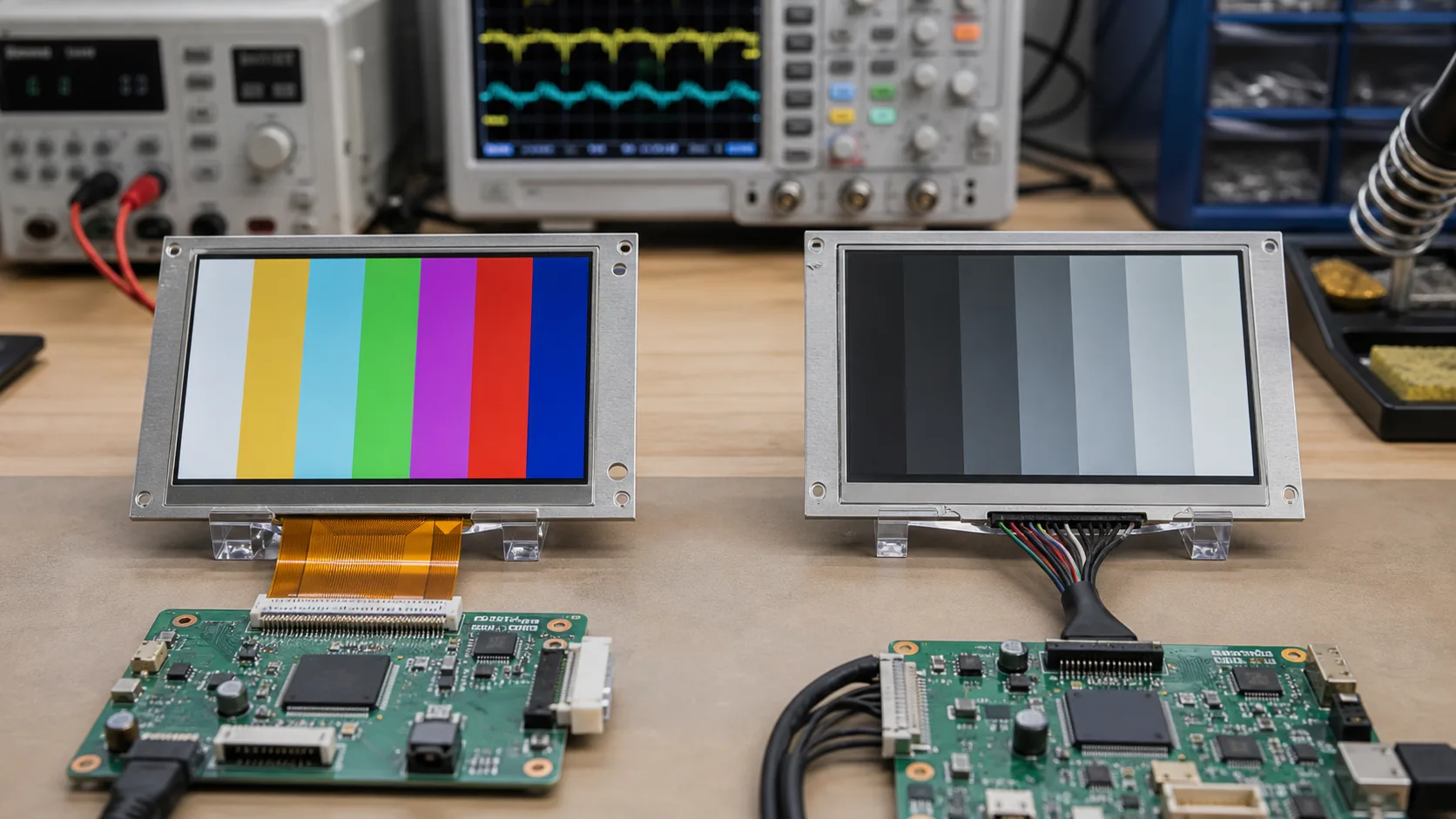
For production, keep a known-good display test available. Solid color screens, gradients, and moving blocks help separate interface problems from application problems. If a field unit shows strange colors or flicker, the test pattern can quickly show whether the issue is timing, cable, power, or software.
FAQ
Is LVDS always better than RGB?
No. LVDS is often better for longer cables and noisy environments, but RGB can be simpler and cost-effective for short board-to-display connections.
Can RGB be used in industrial products?
Yes. RGB is common in compact HMIs and embedded devices. It just needs careful routing and a realistic cable length.
What should be checked before choosing RGB or LVDS?
Check processor support, display resolution, cable length, EMC environment, connector style, software timing, and long-term availability.