TFT Displays for Solar Inverter Monitoring
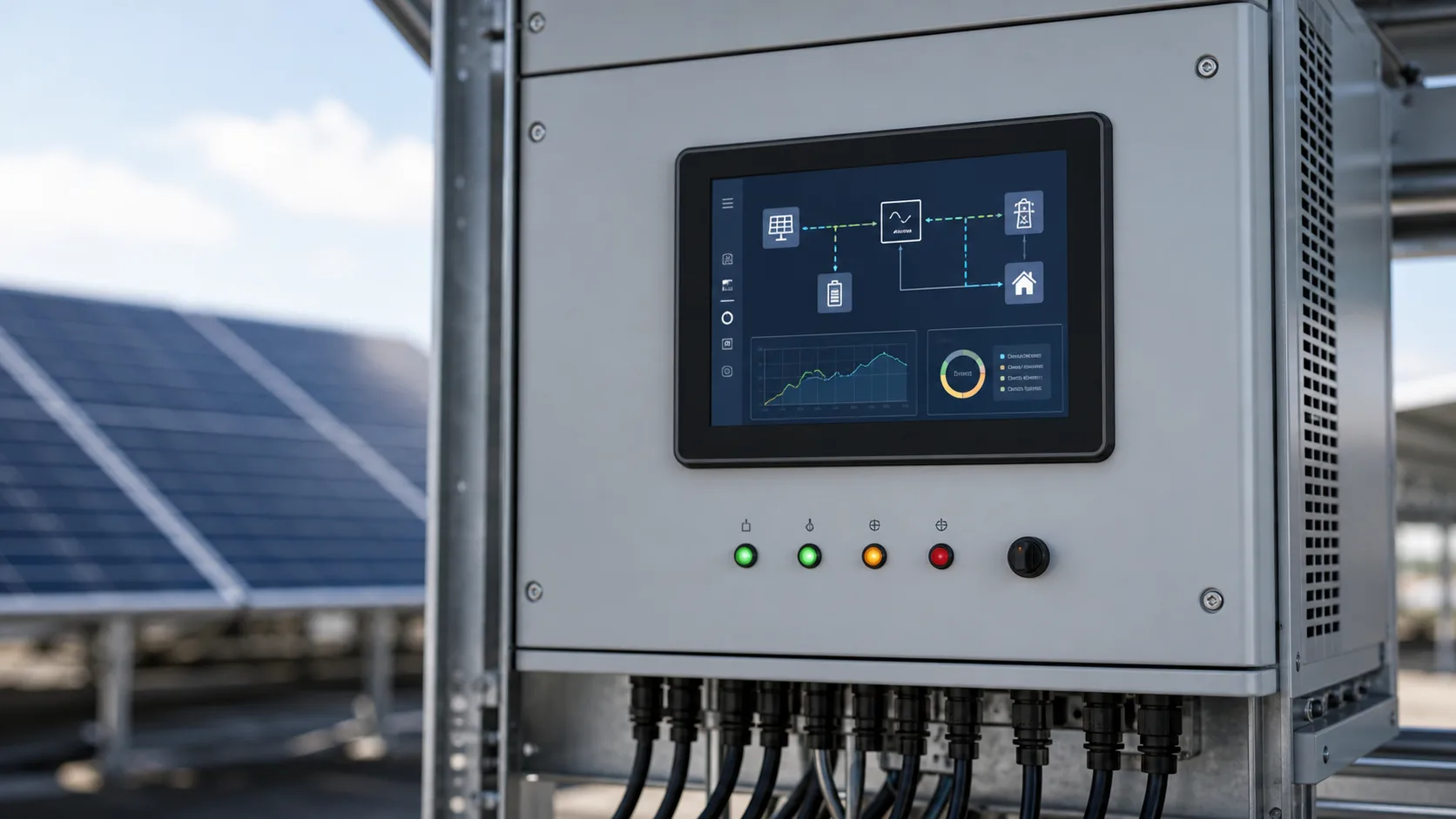
Solar inverter monitoring displays need to be readable, stable, and easy to trust. They may show power output, battery state, grid status, alarms, temperature, historical energy, communication state, and service information. In residential systems the display may be simple, but in commercial and industrial energy equipment the local screen can become an important diagnostic tool.
The same service-first principle applies to a wind turbine local HMI, although turbine installations add stronger requirements for cold start, condensation, vibration, and remote-data quality.
The display environment is not always friendly. Inverters and energy cabinets may be installed outdoors, in electrical rooms, under shelters, in hot equipment spaces, or near bright sunlight. A standard consumer display can look acceptable in a demo and still fail in the field because of heat, glare, lifecycle, or service limitations.
What the display needs to show
The main page should answer practical questions quickly: is the inverter producing power, is the system connected, is there an alarm, and what should the technician do next? Daily users may only need status and energy numbers. Service teams need fault history, communication state, firmware version, grid parameters, and device identification.
Avoid overloading the main screen. A clean hierarchy works better: status first, details second, service tools behind a menu. This helps users who are not inverter experts understand whether the system is healthy.
Indoor, semi-outdoor, and outdoor use
The installation location drives the display choice. Indoor electrical rooms may need moderate brightness and strong viewing angle. Outdoor cabinets may need high brightness, sealed front glass, wide temperature operation, and anti-glare treatment. Semi-outdoor areas can still be harsh because sunlight may hit the display at certain times of day.
For exposed equipment, use the same mindset as outdoor TFT display design. Brightness, reflection, thermal behavior, cover glass, and UI contrast all work together. A high nit rating alone does not guarantee readability.
Temperature and backlight life
Energy equipment can run warm. The display may sit near power electronics, heatsinks, relays, contactors, and sealed metal surfaces. If the cabinet is in sun, the front glass can become even hotter. Backlight lifetime and LCD operating temperature should be reviewed at realistic conditions.
Automatic dimming is useful. The display does not need full brightness at night or when no one is nearby. Dimming reduces heat and can extend backlight life, especially in systems expected to run for many years.
Touch or buttons
Touch can make setup and diagnostics easier, but it must be chosen carefully. Outdoor or utility environments may involve gloves, dust, moisture, or accidental contact. Projected capacitive touch can work well behind sealed glass if the controller is tuned for the cover lens and grounding.
Physical buttons are still common for simple inverter interfaces because they are predictable and low cost. A hybrid design can work well: buttons for basic navigation and a touch display for richer service pages. The right choice depends on who uses the screen and how often.
Communication and fault pages
Solar inverters often communicate with meters, batteries, cloud gateways, and site controllers. The local display should make communication failures obvious. A technician should be able to see whether the inverter, battery, grid meter, and network are online without connecting a laptop.
Fault messages should use plain language where possible. Codes can be shown for service, but the main message should say whether the issue is grid loss, over-temperature, isolation fault, communication timeout, battery warning, or maintenance state.
Interface and controller platform
Small inverter displays may use SPI or RGB panels. Larger monitoring screens may use LVDS, MIPI, or controller boards. The interface should match the processor, enclosure, and cable length. In a noisy power cabinet, cable routing and grounding matter.
If the display is mounted on a door and the controller is deeper inside the cabinet, LVDS or a robust display controller path may be safer than a fragile short-range interface. The design should be reviewed with the same care used for RGB vs LVDS decisions.
UI design for energy equipment
Users need confidence, not decorative dashboards. Show current output, system state, alarm severity, and next action clearly. Use trends carefully. A small graph can help users understand daily performance, but detailed analytics may be better in the cloud interface.
Color should not be the only signal. A red alarm should also include an icon or text. Energy systems may be used by homeowners, electricians, facility staff, or field service teams. The display should be understandable to more than one type of user.
Maintenance and lifecycle
Inverters may stay in service for ten years or more. The display supplier should support stable availability, change notices, and replacement options. If the screen fails after several years, the replacement should fit the same enclosure and work with the same software.
Cleaning and weathering should be considered. Outdoor displays collect dust, water spots, fingerprints, and UV exposure. Cover glass coatings, gaskets, adhesives, and labels should survive the installation environment.
Validation
Test the display in sunlight, shade, high temperature, cold start, low power, communication fault, and alarm conditions. If the display is installed behind a door or cover, test it in that final assembly. Check whether the main screen is readable from the expected standing distance.
A good solar inverter display makes service easier and reduces uncertainty. It should support the equipment lifecycle rather than simply showing a few numbers.
Procurement details
Energy equipment buyers should ask for more than size and brightness. Useful supplier information includes operating temperature, storage temperature, backlight lifetime, bonding option, UV and coating guidance, connector direction, and long-term availability. If the inverter will be sold across regions, the display should not depend on one narrow installation condition.
Documentation should also include service behavior. A technician should know how to identify the display revision, how to enter diagnostic pages, and what the screen should show during grid fault, battery fault, communication loss, and firmware update states.
Fleet and remote support
Many inverter systems are monitored remotely, but the local display still matters when the network is down or a technician is standing in front of the cabinet. The screen should agree with the cloud status and make differences obvious. If a remote dashboard says the inverter is offline, the local display should help determine whether the issue is grid, battery, network, or the inverter itself.
For large installations, consistent screen language across units reduces training time and service mistakes.
FAQ
Do solar inverters need high-brightness TFT displays?
Outdoor and semi-outdoor inverters often do. Indoor equipment may not, but the final installation lighting should decide.
Should inverter displays use touch?
Touch is useful for rich service pages, but buttons may be better for simple status panels or harsh outdoor use.
What information should be on the main inverter display?
Current power, system state, grid or battery status, alarm state, and communication status are usually the most useful.