Tiny TFT Displays in Wearable Devices: Design Considerations and Use Cases
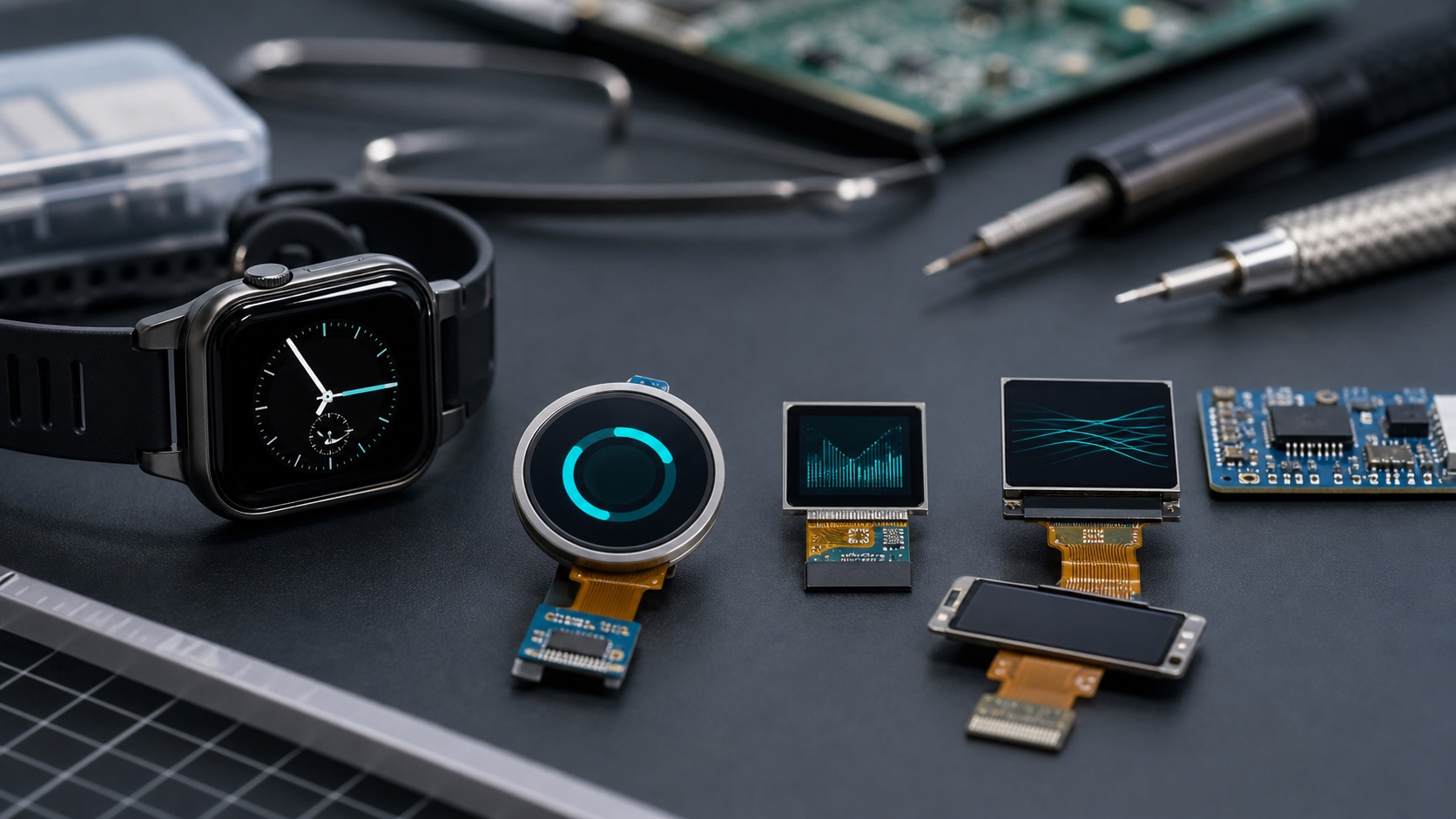
From fitness bands and smart rings to medical monitors and industrial wrist terminals, tiny TFT displays have become a central part of modern wearable technology. These compact screens must balance size, readability, durability, and power consumption—often in devices designed to stay on the body all day.
Small TFT LCDs fit wearables because they balance color, cost, durability, and supply stability in a tight mechanical space. The hard part is making that small screen readable during real movement, sunlight, sweat, and battery-limited use.
Why Tiny TFT Displays Matter in Wearables
Wearable devices operate in unique environments:
- Extremely limited space for internal components
- Small batteries, requiring energy-efficient display systems
- Constant motion and off-angle viewing
- Exposure to sweat, water, and temperature changes
Tiny TFT modules—typically 0.7″ to 2.0″—offer a strong combination of:
- Adequate resolution for icons, fonts, and simple animations
- Full color for intuitive UI feedback
- Long-term stability without burn-in
- Mature supply chains and lower cost compared to OLED
TFT displays remain a practical choice where durability and cost efficiency matter as much as visual performance.
 ---
---Common Display Sizes and Form Factors
Wearable TFT screens usually come in:
- 0.7″–1.0″ ultra-compact rectangles
- 1.1″–1.5″ squares for wristbands or medical patches
- 1.54″–2.0″ round or square smartwatch-class screens
Popular resolutions include:
- 80×160, 128×128, 128×160
- 240×240, 240×320 (square or round formats)
Their form factor—rectangular, square, or circular—must match both the housing shape and UI layout.
Electrical Interfaces for Tiny TFT Modules
Because wearables have tight pin-count and routing constraints, small TFT screens commonly use:
SPI Interface
- Minimal pins
- Simple to drive with MCUs
- Ideal for static or moderately animated UIs
- Suitable for displays ≤1.5″
MIPI DSI (1–2 lane)
- High bandwidth for smooth animations
- Supports 240×240 and higher resolutions
- Preferred for smartwatches and advanced wearables
- Requires more complex drivers and PCB design
Optical Performance Considerations
Wearable screens must remain readable in real-world environments.
Brightness
- Indoor wearables: 200–400 nits
- Outdoor wearables: 600–1000 nits for sunlight visibility
Viewing Angle
IPS-type TFTs are preferred, as wearables are viewed from many angles and positions.
Surface Treatments
Tiny wearable displays may incorporate:
- Anti-glare (AG)
- Anti-fingerprint (AF)
- Hardened or chemically strengthened cover glass
- Optional optical bonding to improve contrast outdoors
Power Management for Wearable Displays
Because displays consume the most power in many wearables, efficient strategies are essential:
- PWM backlight dimming
- Dark UI themes
- Partial refresh for SPI-driven modules
- Lower frame rates (5–30 fps depending on content)
- Aggressive sleep/auto-off timers
Optimizing UI behavior is as important as choosing the right hardware.
Mechanical & Environmental Design
Wearables experience bending, moisture, shocks, and extended body contact.
Key considerations:
- Strengthened cover glass or durable plastic lenses
- Proper sealing for splash-proof or waterproof designs
- Avoiding high stress at screen edges
- Selecting display modules rated for -20°C to +70°C if outdoor or industrial use is expected
Real-World Applications
Fitness Bands
Small rectangular TFTs (0.96″–1.1″):
- Steps, heart rate, notifications
- Strong sunlight readability required
- Very low power usage
Smartwatches
Round or square 1.2″–1.6″ TFTs:
- High-resolution UI
- Smooth animations
- Multi-touch support
Medical Wearables
Used in devices such as:
- Glucose monitors
- ECG patches
- Portable infusion pumps
Focus on clarity, reliability, and robust materials.
Industrial Wearable Terminals
Used for:
- Barcode scanning wrist modules
- Field maintenance guidance
- Safety wearables
Durability and readability under harsh lighting are critical.
Sports & Outdoor Devices
Examples: bike computers, GPS trackers, diving computers
- High brightness
- Waterproof sealing
- Stable performance in extreme temperatures
UI Design Tips for Small Displays
- One main function per screen
- Large icons and bold typography
- Minimal text
- Color coding for quick recognition
- Consistent gesture or button navigation
- Test UI outdoors and during motion
Selecting the Right Tiny TFT Display
Evaluate:
- Size & shape
- Resolution
- Interface (SPI or MIPI DSI)
- Brightness & contrast requirements
- Viewing angle performance
- Power consumption
- Touch options
- Durability & operating temperature
- Long-term component availability
Choosing correctly early in design avoids costly redesigns later.
Engineering Tradeoffs in Wearable Displays
Tiny TFT selection is mostly a tradeoff between visibility, battery life, and mechanical space. A brighter display is easier to read outdoors, but it consumes more power and may require a larger battery or more aggressive sleep behavior, the same balance behind low-power TFT design. A higher-resolution display improves icons and small text, but it increases memory and graphics workload.
For wearable products, the display should be tested on the body, not only on a desk. Wrist angle, motion, sweat, sunlight, and quick glance behavior all affect usability. A UI that looks good in a design review may be too small during exercise or field work.
Mechanical integration also matters. Curved housings, narrow bezels, adhesive stack-up, and waterproof sealing can all change the final display appearance. If the product needs a touch panel, the team should confirm whether the active area, cover lens shape, and controller sensitivity still work after the industrial design is finalized.
For medical and industrial wearables, product teams should also think about replacement cycles. A tiny TFT that is inexpensive today may become difficult to source if it is built around a short-life consumer panel. Choosing a display family with stable drawings, documented interfaces, and supplier change notices can prevent a redesign after the product is already certified or deployed.
Another useful check is readability during motion. A wearable screen may be viewed while walking, cycling, scanning inventory, or checking a patient. Short labels, strong contrast, and stable refresh behavior usually matter more than decorative detail.
This is where early hands-on testing saves more time than another round of mockups.
FAQ
Are TFT displays suitable for battery-powered wearables?
Yes, when brightness control, sleep mode, and efficient UI updates are planned carefully. TFT LCDs remain attractive where cost, color, and supply stability matter.
What size is common for tiny TFT wearables?
Many wearable devices use displays from about 0.96 inch to 2.0 inches, depending on whether the product is a band, watch, scanner, or medical device.
What should be tested outdoors?
Brightness, reflection, viewing angle, motion readability, and touch behavior should all be tested outdoors. A small display can fail simply because the user cannot read it quickly.
Conclusion
Tiny TFT displays are essential to the user experience of wearables. Their durability, reliable color reproduction, and cost-effectiveness make them ideal for products ranging from health devices to outdoor sports equipment, with many of the same compact interface constraints found in 4-inch home automation HMIs.
As wearable technology continues to grow, small TFT LCDs will remain a critical interface that connects compact embedded systems with the users who rely on them.