TFT Displays for Vending and Ticketing Machines
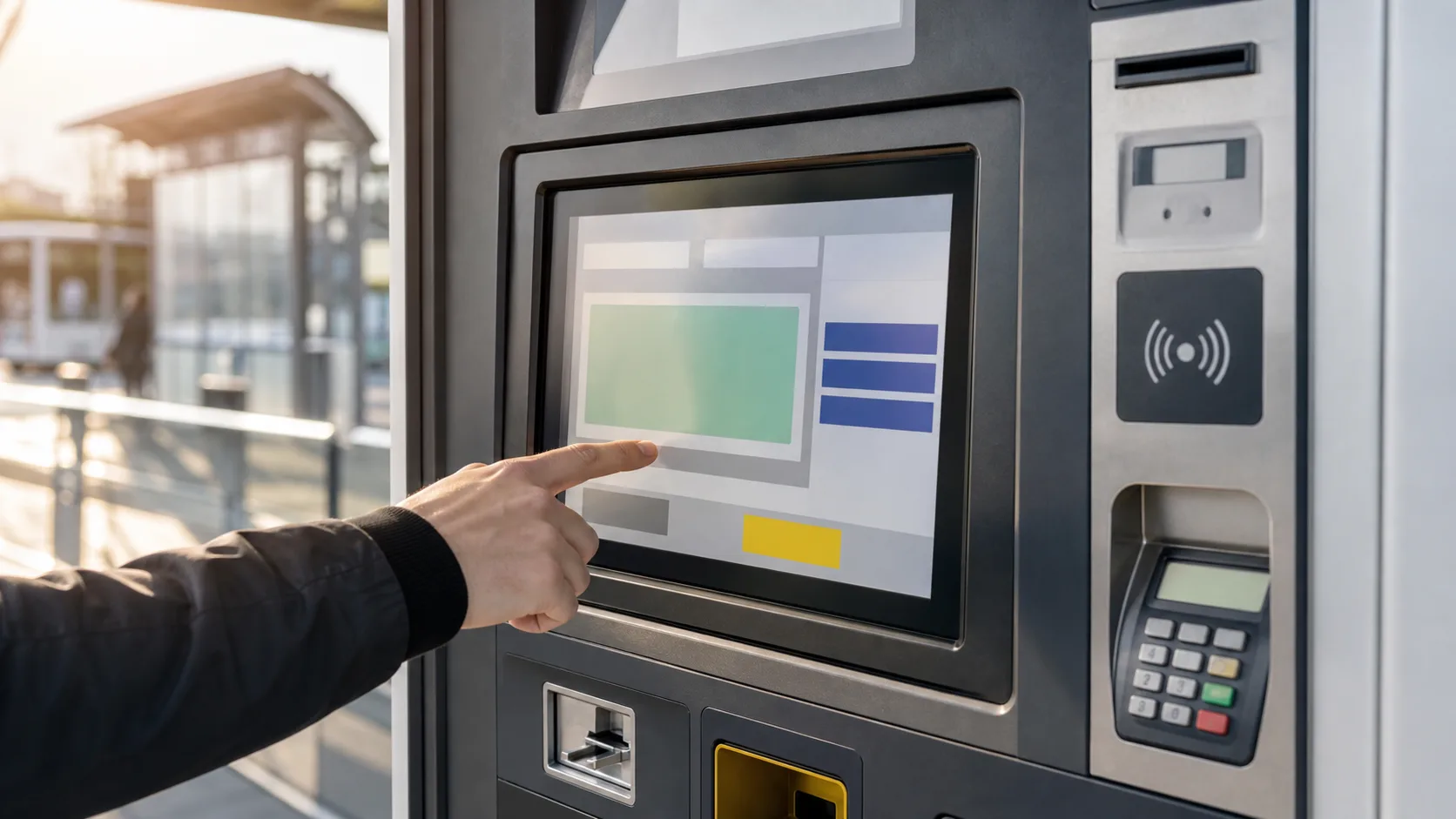
Vending and ticketing machines depend on the display more than many teams expect. The screen is where users choose products, confirm payment, read instructions, and understand errors. If the display is dim, confusing, slow, or unreliable, users may assume the entire machine is broken.
These machines often operate in public spaces with changing light, rough handling, cleaning, rain, gloves, and long service intervals. A display that works in a quiet indoor prototype may not be suitable for a transit station, parking lot, school corridor, factory cafeteria, or outdoor ticket machine.
The user is in a hurry
Most users of vending and ticketing machines want to finish quickly. The display should show clear choices, price or ticket status, payment progress, and next steps. Avoid dense menus or small touch targets. Public machines are not the place for hidden gestures or complex navigation.
If the machine supports several languages, layout needs extra space. A button label that fits in English may not fit in German, Spanish, or French. Leave room for translation early rather than shrinking text later.
Indoor and outdoor readability
Indoor vending machines may use moderate brightness, but public lighting can still be difficult. Glossy floors, windows, overhead lights, and reflections from glass doors can reduce readability. Outdoor ticketing machines need much stronger optical planning.
For outdoor and semi-outdoor machines, high brightness, anti-glare cover glass, optical bonding, and thermal design should be evaluated together. The same principles apply as in sunlight readable kiosk design. A display should be tested in actual light, not only measured in nits.
Touch behavior
Projected capacitive touch is common because it supports sealed glass and a modern feel. Public terminals need reliable touch with wet fingers, light gloves, cleaning residue, and occasional water droplets. The touch controller should be tuned with the final glass, bezel, grounding, and enclosure.
Resistive touch may still appear in older or cost-sensitive machines, but it can wear and look less premium. For public payment and ticketing, sealed PCAP glass is often easier to clean and more durable.
Cover glass and vandal resistance
Public machines face scratches, impacts, keys, rings, cleaning chemicals, and sometimes abuse. Cover glass thickness, strengthening, edge support, and bonding method should be reviewed. If vandal resistance is important, the design may need impact testing and a reinforced front structure.
A thick glass cover can reduce touch sensitivity, so mechanical protection and touch tuning must be coordinated. This overlaps with IK-rated display design, where the full stack matters more than a single glass number.
Thermal behavior
Outdoor payment terminals and ticketing machines can heat up in direct sun. High brightness backlights add more heat. Inside the enclosure, payment electronics, printers, wireless modules, and power supplies also generate heat.
Thermal problems may show up as dimming, color shift, backlight aging, touch drift, or LCD darkening at high temperature. Use ventilation, heat paths, automatic dimming, and brightness control where appropriate.
Service screens
Public machine displays also need a service side. Service staff need to see network state, payment module state, printer or dispenser status, door sensors, temperature, error history, and software version. These pages should be protected from normal users but easy for technicians to access.
Error messages should be plain. A user does not need a technical code as the only explanation. The display should say whether payment failed, ticket stock is empty, a product is unavailable, or service is required. Codes can remain available for staff.
Interface and controller choice
Small vending displays may use embedded TFT modules with RGB or MIPI. Larger ticketing screens may use LVDS, eDP, or controller boards. The choice depends on screen size, software platform, cable length, and enclosure design.
If the machine is built around a Linux controller, confirm driver support and boot behavior. The user should see useful feedback during startup, restart, and network recovery. A blank screen in a public terminal invites repeated tapping and support calls.
Cleaning and hygiene
Public touchscreens are wiped often. Cleaning agents, cloths, and repeated abrasion can affect coatings and touch behavior. Choose coatings and glass surfaces that survive the actual cleaning process. Anti-fingerprint coatings can help appearance, but chemical durability should be checked.
Flush fronts are easier to clean than deep bezels. However, sealing and drainage matter outdoors. A front design that traps water around the active area can create touch problems and long-term dirt buildup.
Lifecycle and replacement
Vending and ticketing machines may remain deployed for years. The display should have stable supply, documented replacements, and controlled changes. A later replacement should not require a new front opening, cable, or software driver.
For fleets, consistency matters. Users and service staff notice if machines in the same line have different brightness, color, or touch feel. Keep display revisions controlled.
Payment and accessibility details
Public machines should also support users who are distracted, tired, or unfamiliar with the equipment. The display should make payment state, cancellation, timeout, and receipt or ticket delivery obvious. If a transaction fails, the screen should explain the next action without blaming the user or showing only a code.
Accessibility belongs in the first design pass. Use strong contrast, large targets, and clear hierarchy. Consider mounting height and viewing angle. A screen that is readable only for a standing adult directly in front of the machine may create problems for wheelchair users, children, or people carrying bags.
Field service checks
During maintenance, technicians should be able to test touch, brightness, network state, payment module communication, printer or dispenser state, and door sensors. These checks reduce unnecessary part swaps. If the display assembly is replaced, the machine should confirm touch alignment and brightness settings before returning to service.
Procurement notes
For machine fleets, ask suppliers about long-term panel availability, cover glass customization, touch firmware control, and replacement compatibility. A vending or ticketing operator may deploy the same machine model for years, and a display change can affect user experience, enclosure fit, payment certification, and service inventory. A stable display stack is easier to manage than a low-cost panel that changes without notice. Procurement should also confirm sample availability for repair stock, because public terminals often need quick field replacement rather than long lead-time custom parts.
FAQ
What brightness is needed for vending machines?
Indoor machines may work with moderate brightness, while outdoor or window-facing machines often need high brightness and reflection control.
Is PCAP touch good for ticketing machines?
Yes, if tuned for cover glass, wet fingers, gloves, grounding, and public cleaning conditions.
What is the biggest display risk in public machines?
The biggest risk is selecting from an indoor demo and ignoring sunlight, vandal resistance, cleaning, thermal behavior, and service access.